
Широкополосное программное обеспечение радиоприемник MSI.SDR совместимый с
5603.27
Новое поступление
Характеристики
*Текущая стоимость 1051.23 уже могла изменится. Что бы узнать актуальную цену и проверить наличие товара, нажмите "Добавить в корзину"
| Месяц | Минимальная цена | Макс. стоимость | Цена |
|---|---|---|---|
| Feb-18-2026 | 1335.56 руб. | 1362.57 руб. | 1348.5 руб. |
| Jan-18-2026 | 1083.90 руб. | 1105.3 руб. | 1094 руб. |
| Dec-18-2025 | 1314.89 руб. | 1340.24 руб. | 1327 руб. |
| Nov-18-2025 | 1303.90 руб. | 1329.63 руб. | 1316 руб. |
| Oct-18-2025 | 1040.81 руб. | 1061.26 руб. | 1050.5 руб. |
| Sep-18-2025 | 1282.85 руб. | 1308.31 руб. | 1295 руб. |
| Aug-18-2025 | 1272.5 руб. | 1297.57 руб. | 1284.5 руб. |
| Jul-18-2025 | 1261.32 руб. | 1286.38 руб. | 1273.5 руб. |
Описание товара
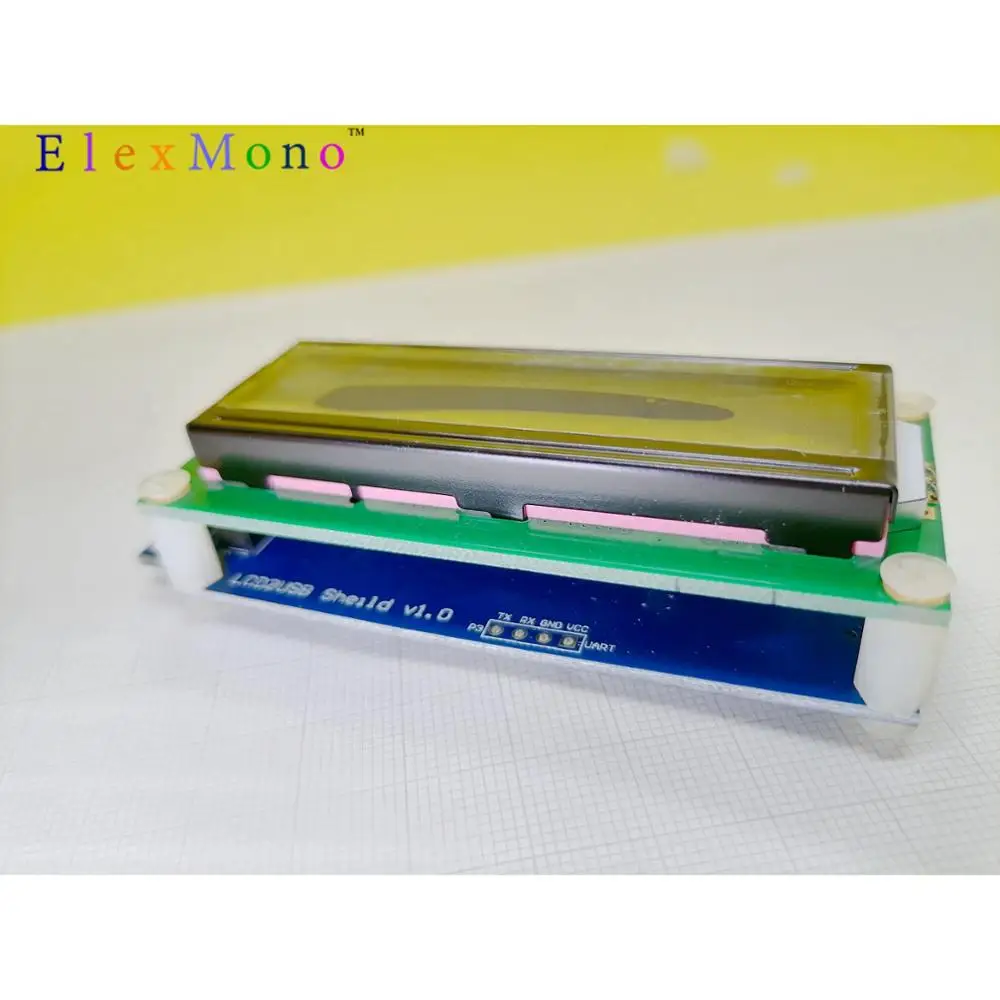
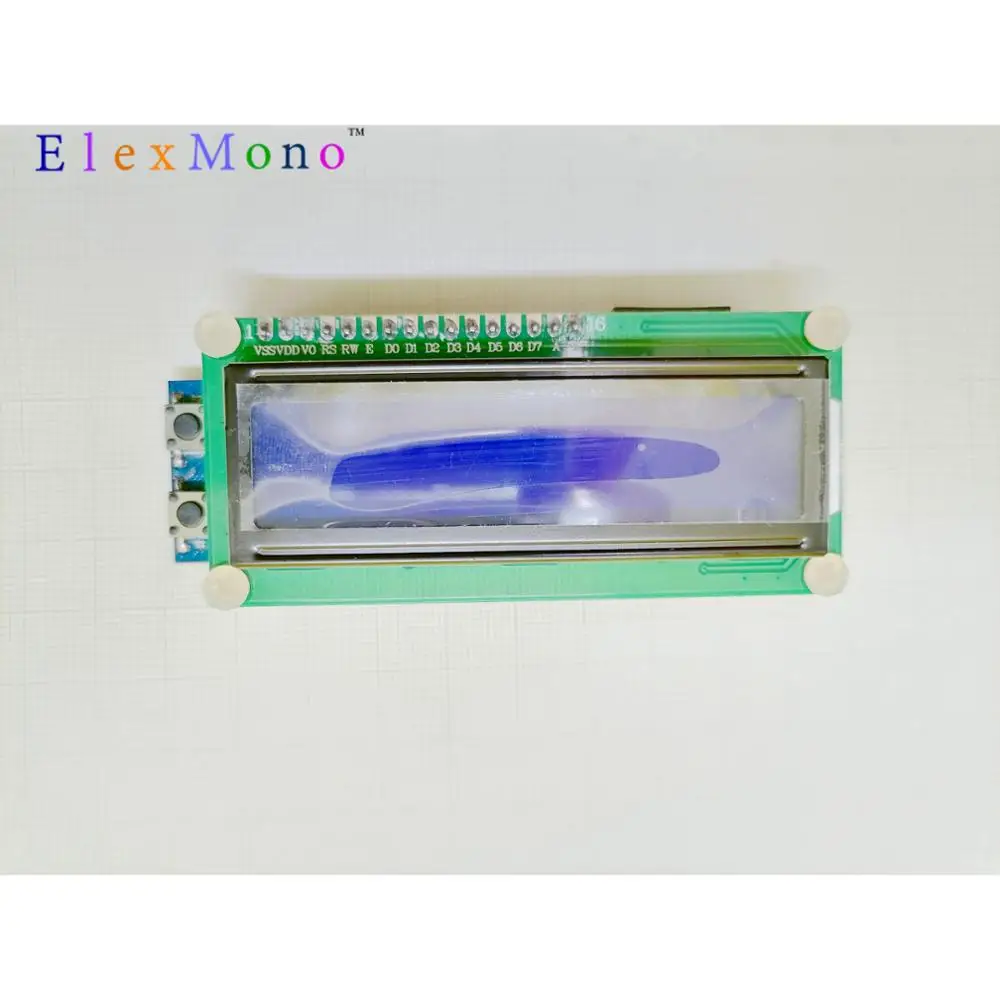
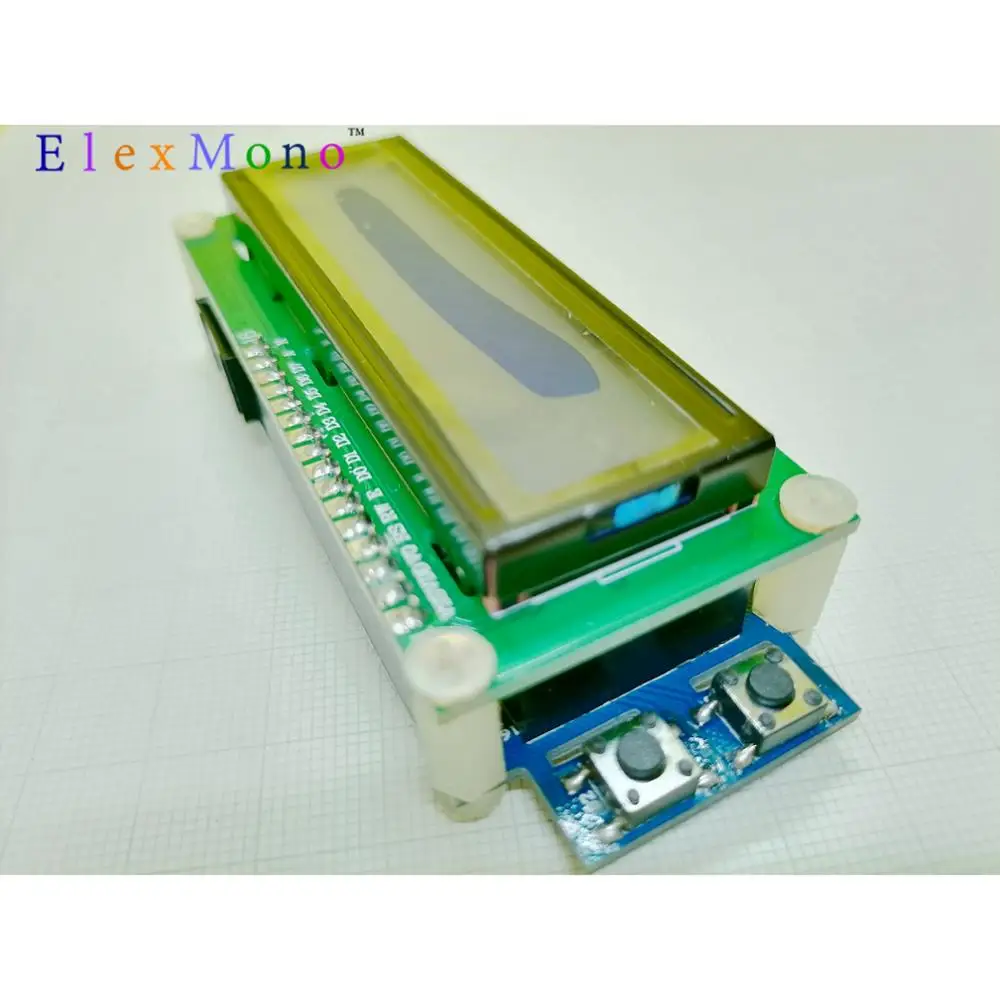
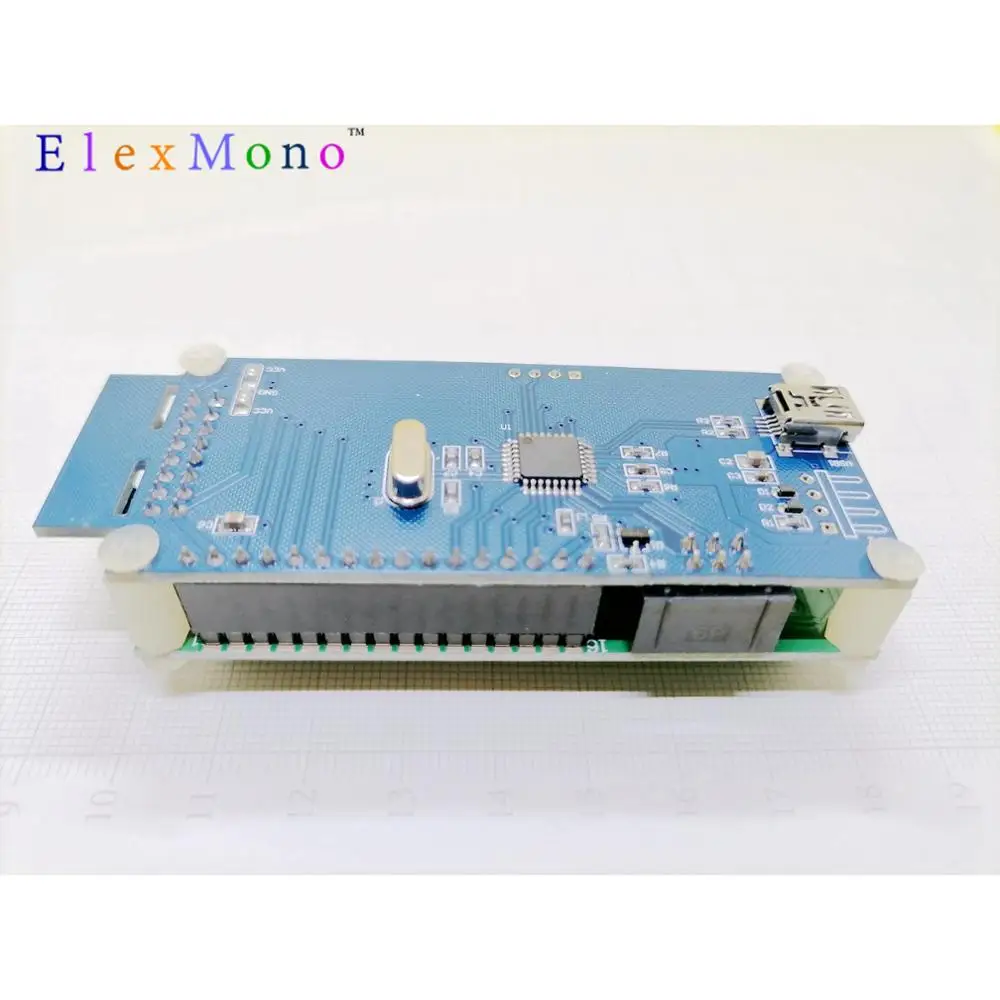
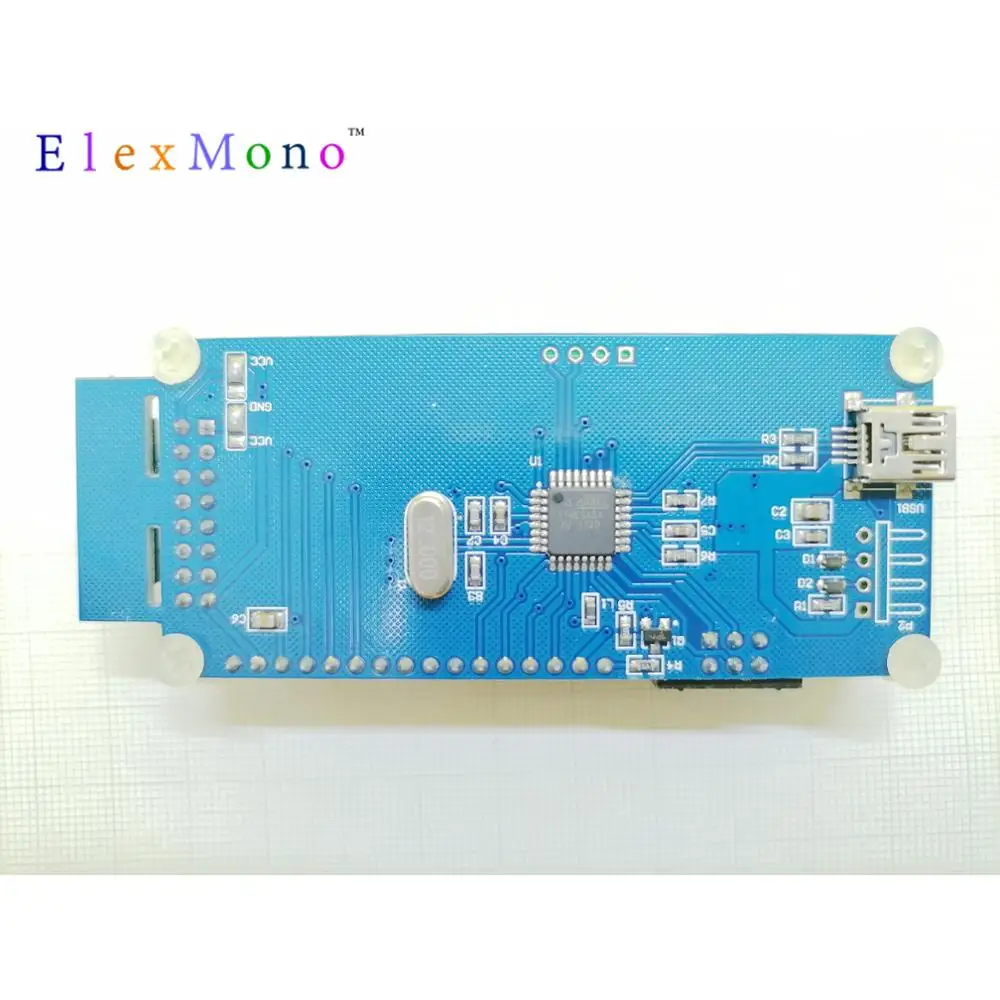
System Information Display Indicator for Raspberry Pi & PC Designed by Ukonline2000 This handy gadget can be used to show various system info of your Raspberry Pi and computer: IP address, CPU occupancy rate, memory occupancy rate, hard disk space, etc. Under xbmc system, we can use this gadget to show file name in operation.
Main features:
1: USB connection. No worries about the complicated wiring definitions, easy for beginner's use; 2: no driver needed for raspberry pi, no need for programming. Only need install software and set configurations.(also support xbmc system). 3: support various LCD screens (by default we send LCD1602 installed for it): LCD1602, LCD1604, HD44780, LCD2004, etc. 4. Compatible with computer: can use software configuration to show various system info of computer: IP address, CPU occupancy rate, memory occupancy rate, hard disk space, etc. 5. onboard we have two buttons to switch info on display, or programme functions. 6. Besides software support, it also supports control by programming with python
How to use it:
1) Install lcdproc screen display software: sudo apt-get install lcdproc 2) Edit configurations: sudo nano /etc/LCDd.conf
3) Find below information and edit them: Change Driver=curses to Driver=hd44780 Find [hd44780] and change it to: [hd44780] ConnectionType=lcd2usb Contrast=850 Brightness=800 OffBrightness=0 Keypad=yes Backlight=yes Size=16×2 KeyDirect_1=Up KeyDirect_2=Down 4) Install MPDlcd softare: sudo apt-get install python-mpd sudo apt-get install python-pip sudo pip install mpdlcd wget -O /etc/mpdlcd.conf //raw.github.com/rbarrois/mpdlcd/master/mpdlcd.conf 5) Configure autorun files for system initialization: sudo update-rc.d LCDd defaults Edit /etc/rc.local,add below commands before exit0: su volumio -c “mpdlcd –no-syslog &”
6) Restart system. *7)You can also change information on display by editing the configuration file: change contents of [pattern]: sudo nano /etc/mpdlcd.conf
Further useful info:
//pypi.python.org/pypi/mpdlcd/0.4.0 //github.com/rbarrois/mpdlcd
Смотрите так же другие товары:


