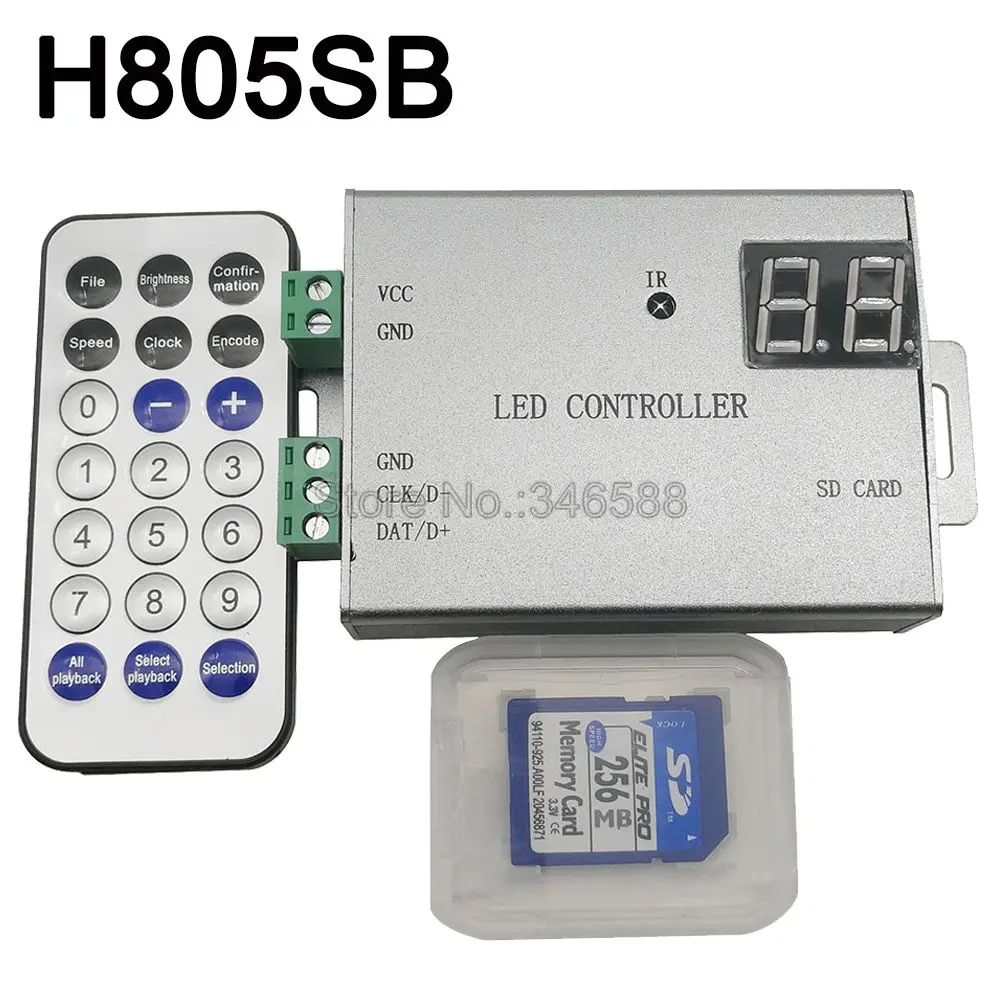
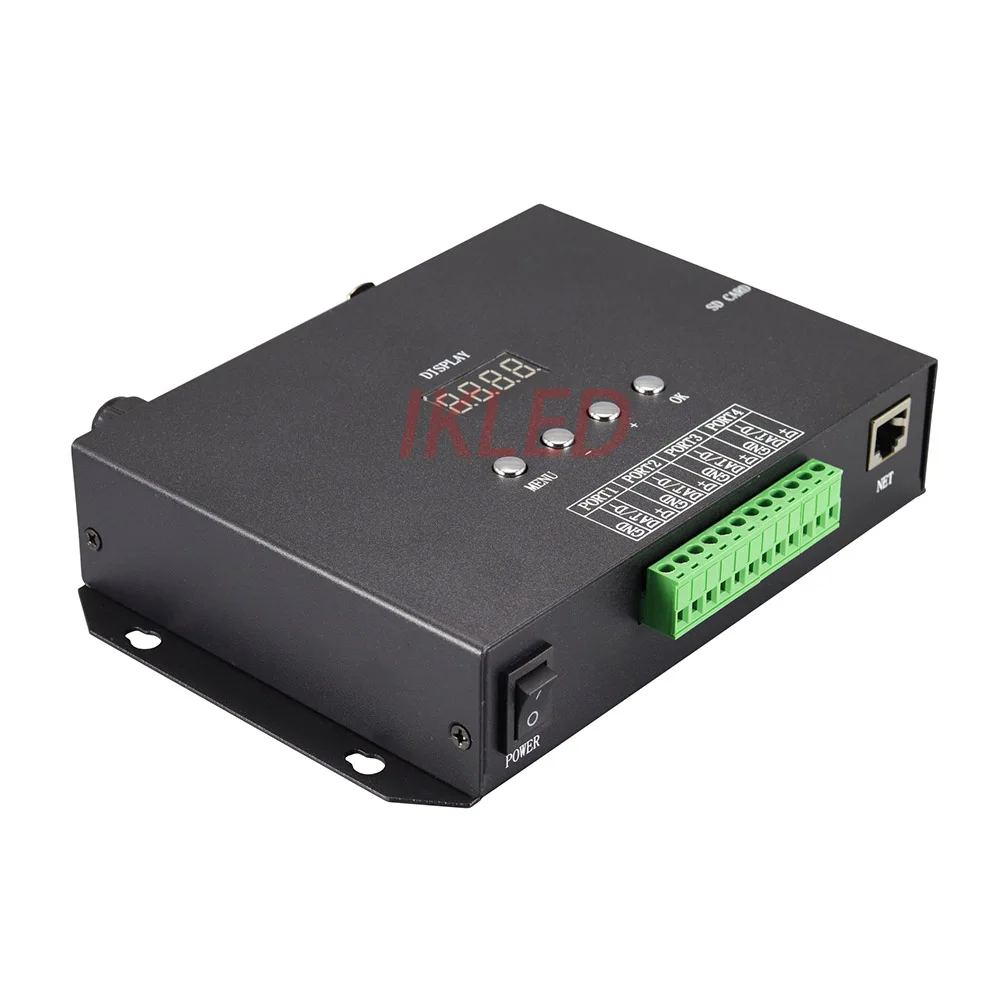
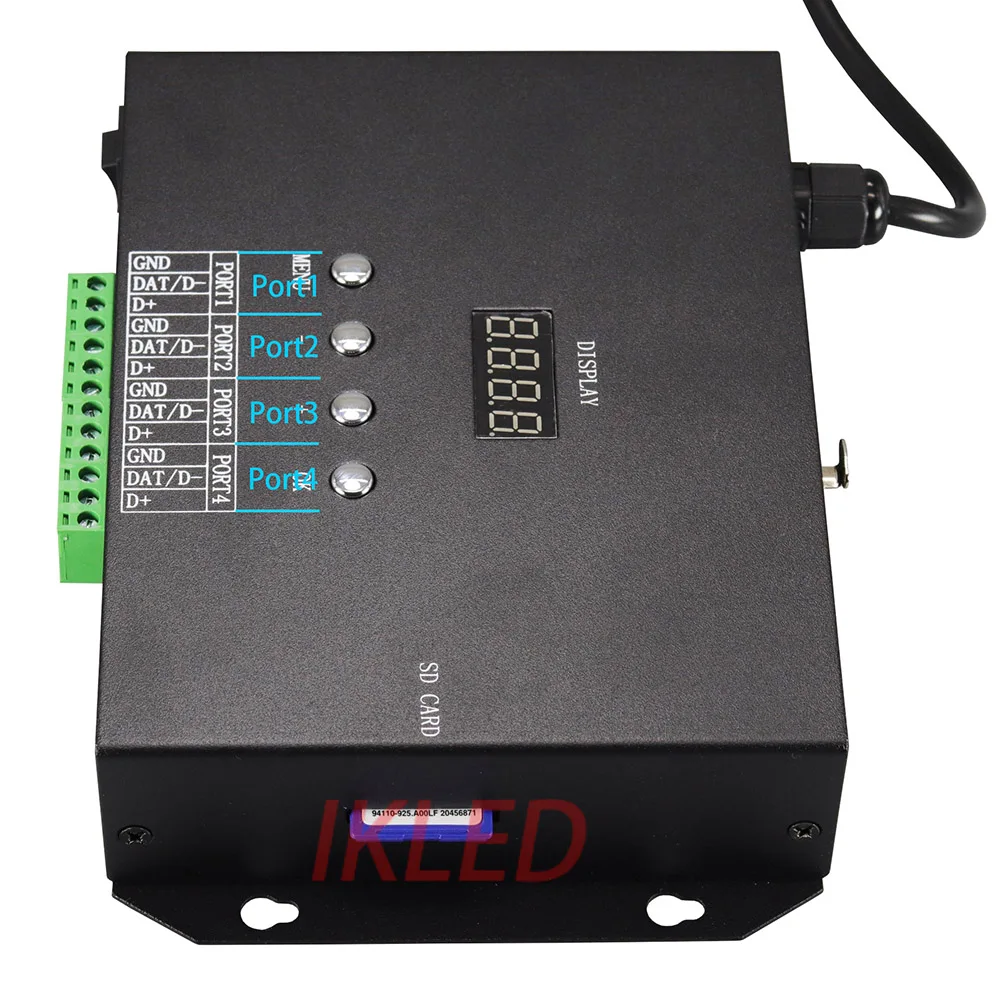
K-8000CK SD карты светодиодный контроллер пикселей DC5 ~ 24 В вход off-line 8192 управления
11 336,36 руб.


Новое поступление

Магазина IKLED Store работает с 08.05.2023. его рейтинг составлет 0 баллов из 100. В избранное добавили 6 покупателя. Средний рейтинг торваров продавца 0 в продаже представленно 17 наименований товаров, успешно доставлено 7 заказов. 0 покупателей оставили отзывы о продавце.
Характеристики
*Текущая стоимость 11 083,04 уже могла изменится. Что бы узнать актуальную цену и проверить наличие товара, нажмите "Добавить в корзину"
| Месяц | Минимальная цена | Макс. стоимость | Цена |
|---|---|---|---|
| Feb-19-2026 | 14075.72 руб. | 14357.50 руб. | 14216 руб. |
| Jan-19-2026 | 11415.9 руб. | 11643.36 руб. | 11529 руб. |
| Dec-19-2025 | 13854.81 руб. | 14131.37 руб. | 13992.5 руб. |
| Nov-19-2025 | 13743.2 руб. | 14018.27 руб. | 13880.5 руб. |
| Oct-19-2025 | 10972.40 руб. | 11191.11 руб. | 11081.5 руб. |
| Sep-19-2025 | 13521.48 руб. | 13791.44 руб. | 13656 руб. |
| Aug-19-2025 | 13410.43 руб. | 13678.40 руб. | 13544 руб. |
| Jul-19-2025 | 13300.17 руб. | 13566.82 руб. | 13433 руб. |
Описание товара
Features:
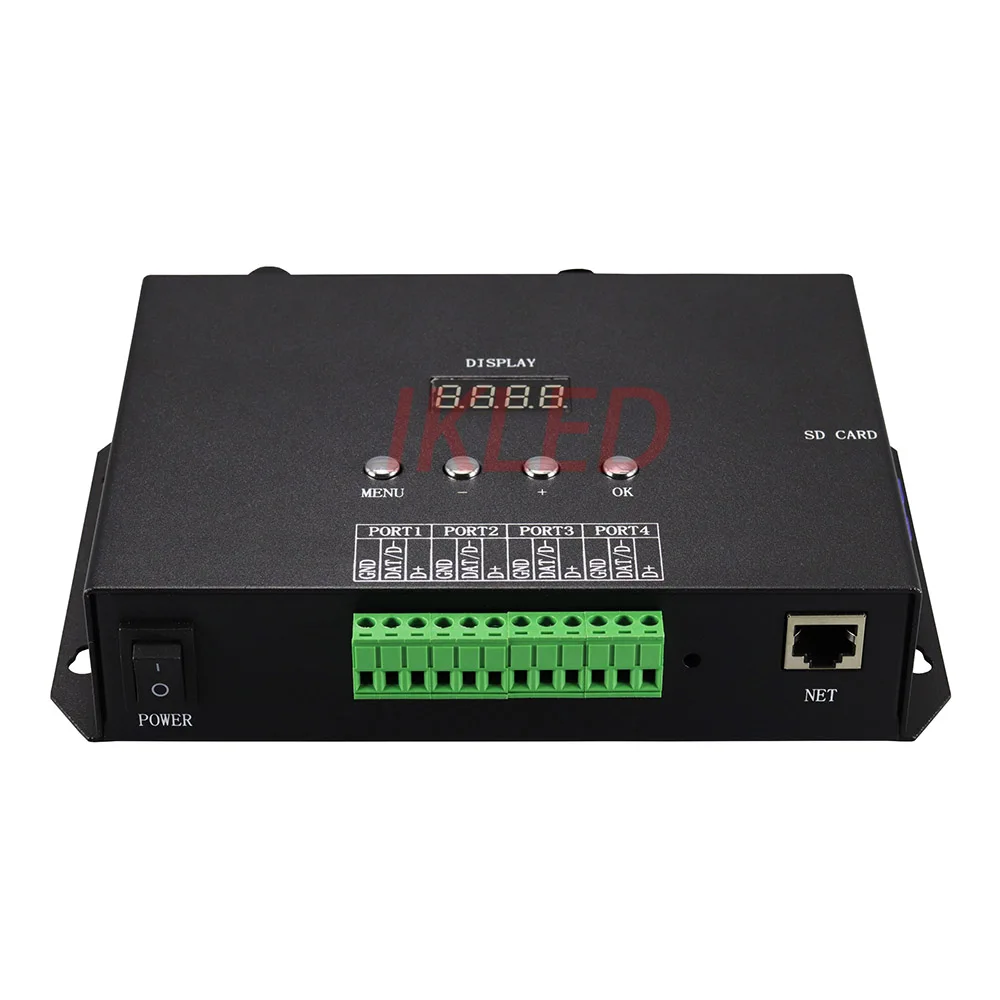
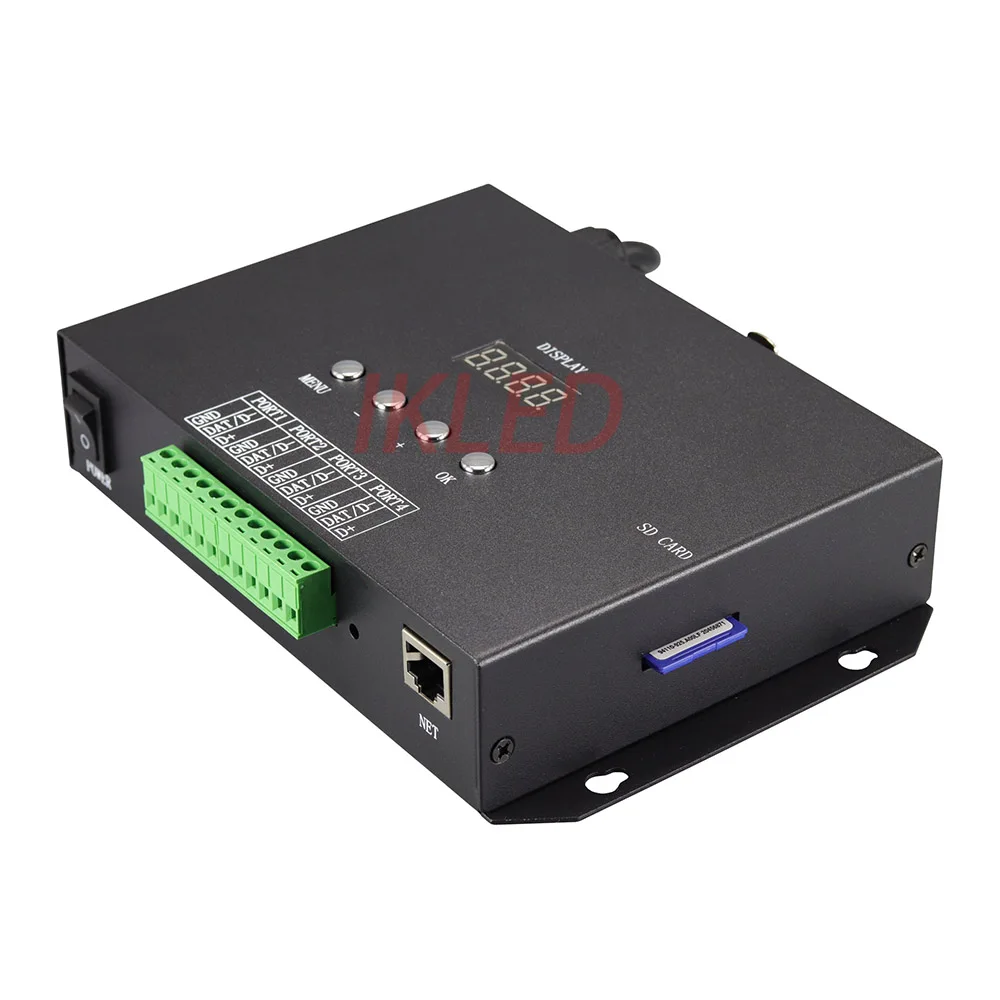
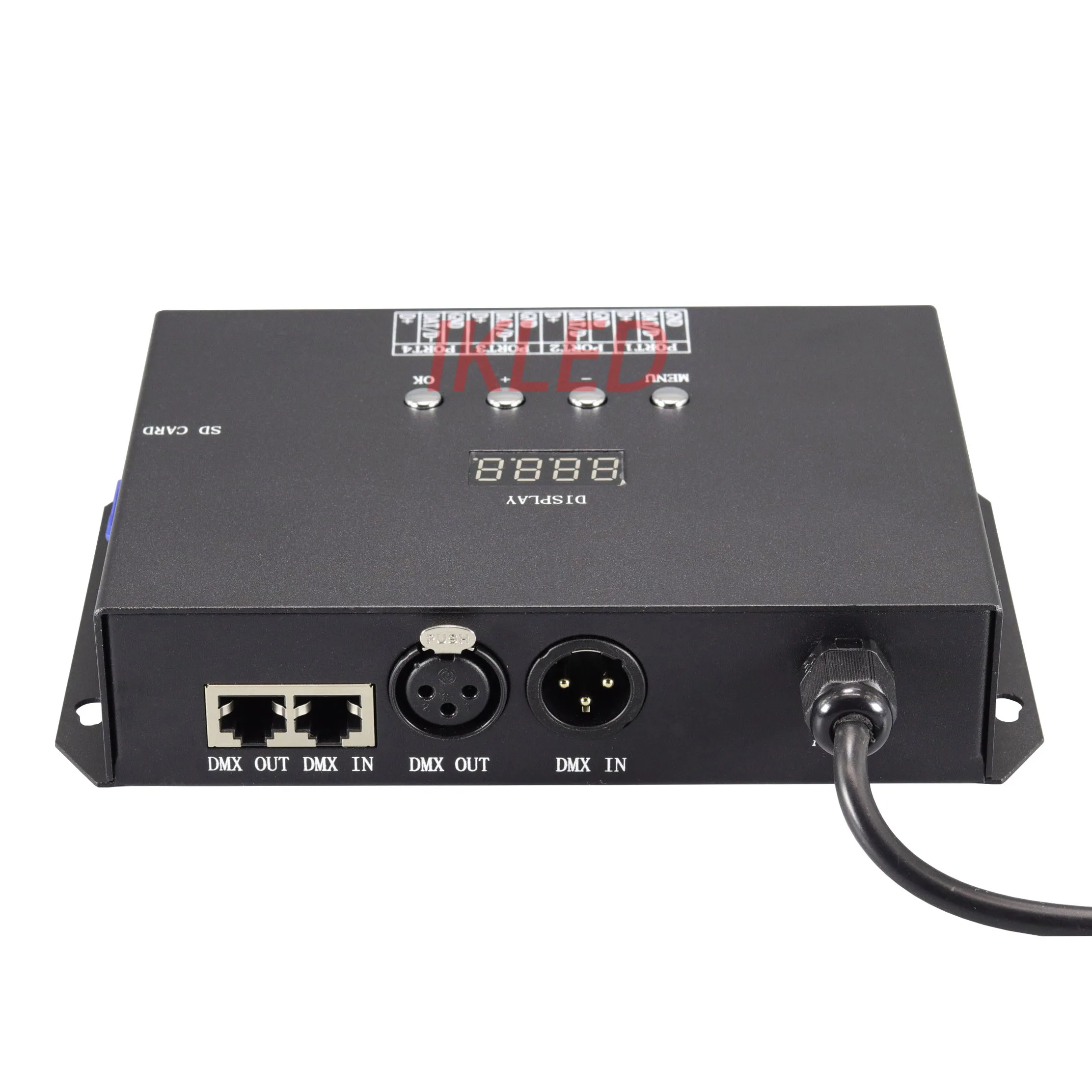
1). H802RS supports artnet protocol
2). H802RS has 4 ports, each port outputs 4 universes, 4 ports output 16 universes
3). One universe includes 512 channels, so one H802RS can control max 2720 RGB fixtures(16*512/3), or control max 2048 RGBW fixtures(16*512/4)
4). H802RS supports dozens of led chips
5). H802RS is compatible with software that supports artnet protocol, such as Madrix, Resolume, Madmapper, Jinx!, Xlights, Lightjams
6). H802RS can also work in SD card mode(offline mode)
7). H802RS can also work in non Artnet online mode. In this mode, H802RS only supports LED Studio Software, but 4 ports can control max 4096 pixels
Product Display


Basic Workflow
ArtNet Mode
Step1. Connect controller to PC, and connect led lights to controller
Note:
1). The following image just connect strip to one port, you can connect your led lights to 1,2,3 or 4 ports
2). In Artnet mode, H802RS supports the following chips:
DMX512, TM1812, TM1914, TM1814, QED3110
DMX512 includes UCS512, TM512, SM16512, etc
TM1812 includes WS2811. WS2812, WS2813, WS2815, UCS1903. UCS1904, UCS1909, UCS2903, SM16703,etc
The following image just takes WS2812 strip for example
You can also connect many controllers to PC via router or switch

Step 2. Set IP address on PC


Step 3. Configure controller
Press Menu button to switch menu, press OK button to save changes
1). set IP address (set the last byte of IP address)
The first, second and third byte are the same as the IP you set on PC(in this example, they are 192.168.6), the last byte cannot be the same as the last byte you set on PC
Now, IP address of controller is 192.168.6.13

Then, press "OK" button
2). set controller number
It should be always set to 1

Then, press Menu button
3). choose chip
There are 6 models available on controller

DMX512 includes UCS512, TM512, SM16512, etc
TM1812 includes WS2811. WS2812, WS2813, WS2815, UCS1903. UCS1904, UCS1909, UCS2903, SM16703,etc
Press Menu button
4). Set starting universe
It's better be 0 (start from 0)

Press Menu button
5). Set universe number(channel length)per port
512 channels(one universe) per port

Press + to increase the number
1024 channels(two universes)

1536 channels(three universes)

2048 channels(four universes)

6). set channel number per pixel
Press Menu button
For RGB fixture

For RGBW fixture

Press "OK" to save all parameters
Step 4. ArtNet settings in software
Madrix


If you have questions, please don't hesitate to contact us
Madmapper

then, add fixtures

Resolume
Edit fixtures

then, add universes

SD cadr mode (offline mode)
In this mode, you can only use LED Build Software to program
Software download link://www.mediafire.com/file/pacq2yeage5ji36/LEDBuild_V4.58.exe/file
In this mode, each port can control max 1024 pixels
Basic workflow
Draw pixel map

Choose chip, set clock rate, etc

Make effects

Output controller data

Then, put this file into SD card
In SD card mode, you can also connect controller to DMX console

Смотрите так же другие товары: