



Новое поступление

KingDian SSD 60GB 120GB 240GB 480GB with Win 10 System installed | Компьютеры и офис
US $16.88 - 118.16

NT-128 80*22 мм Горячей продажи NGFF M.2 128 ГБ SSD жесткий диск для Ultrabook Ноутбук | Компьютеры

Бесплатная доставка льготные ssd 32 ГБ 16 sata 3 hdd 2.5 ''MLC г внутренний твердотельный

High Speend SSD 1 8 дюймов SATA II HDD 2 5 Внутренние твердотельные накопители 32 ГБ жесткий диск

L Kingspec 1.8 ''ZIF SSD Флэш-ssd 16 ГБ ATA IDE ZIF2 Solid State Disk Для Dell Mini12 D420 D430 XT HTC 9500 macbook air |

Внутренний жесткий диск Netac M2 SSD 128 ГБ M.2 2280 nvme m2 Pcie 256 512 1 ТБ |
1 602,55 - 6 744,97 руб.

Netac Оригинальный N6S SATAIII SSD 240 ГБ 2.5 дюймов Внутренняя Solid State Drive Disk MLC Флэш-Памяти
jianbian Store
Магазина jianbian Store работает с 26.02.2021. его рейтинг составлет 92.07 баллов из 100. В избранное добавили 1291 покупателя. Средний рейтинг торваров продавца 4.7 в продаже представленно 74 наименований товаров, успешно доставлено 1687 заказов. 996 покупателей оставили отзывы о продавце.
Характеристики
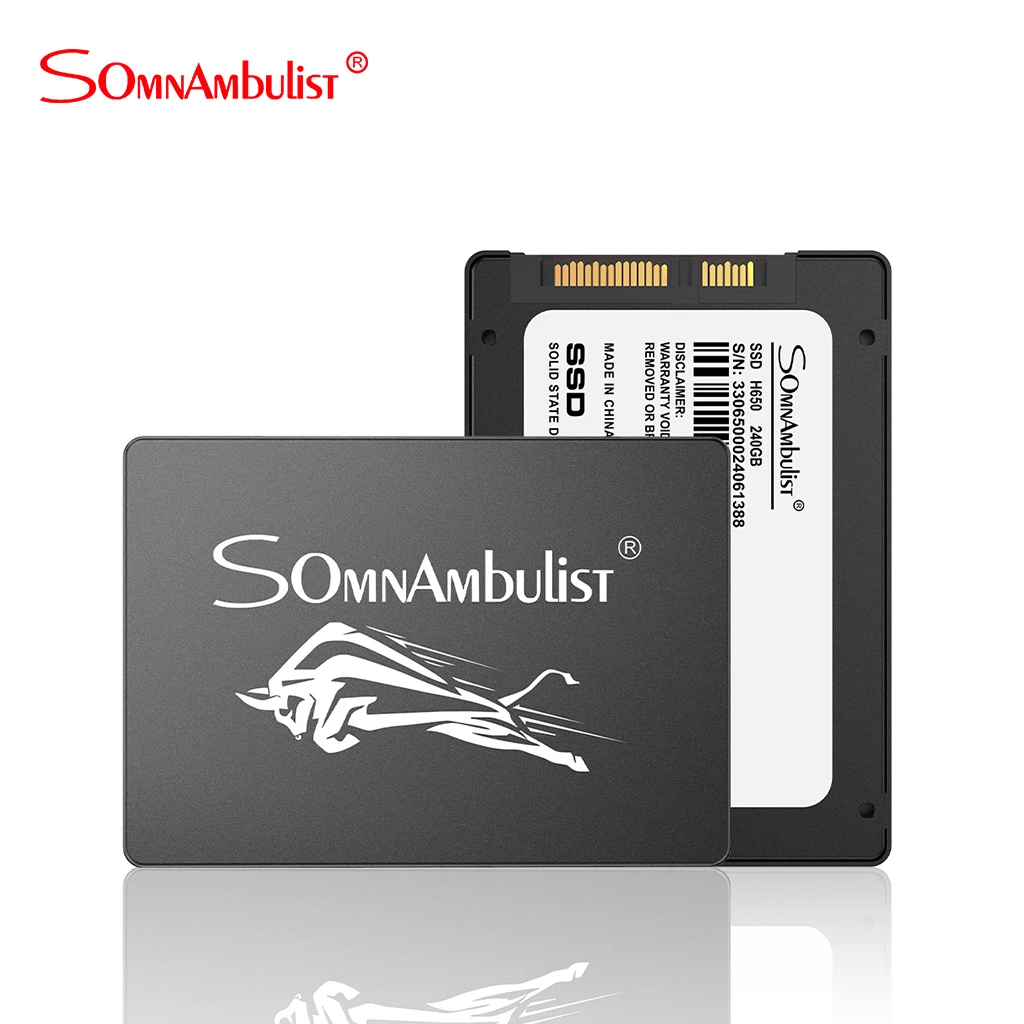
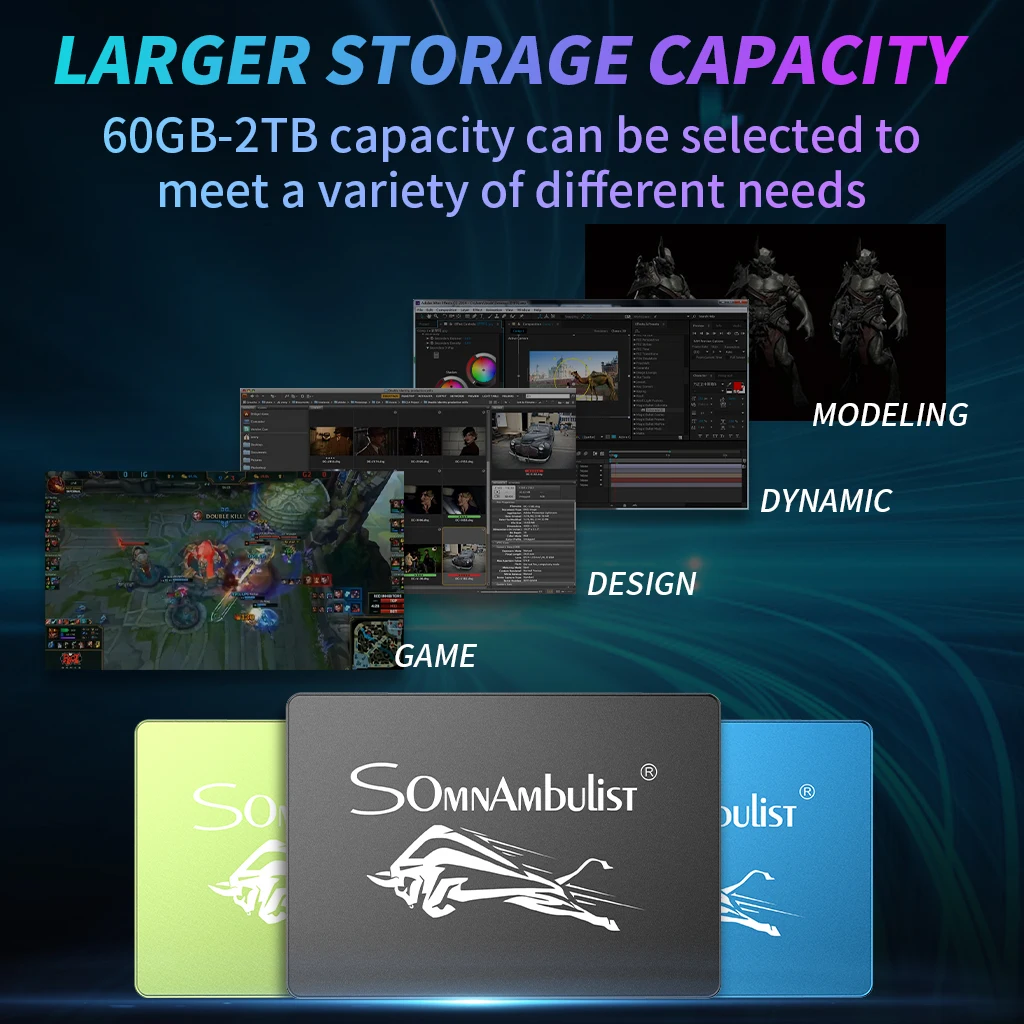
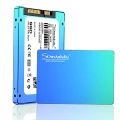
Metal bull head ssd 120GB 240 GB 480GB 2TB SSD HDD 2.5 inch SATA SATAIII 60GB laptop built-in solid state drive | Компьютеры и офис
История изменения цены
*Текущая стоимость 1 171,35 - 12 588,08 уже могла изменится. Что бы узнать актуальную цену и проверить наличие товара, нажмите "Добавить в корзину"
| Месяц | Минимальная цена | Макс. стоимость | Цена |
|---|---|---|---|
| Feb-20-2026 | 1487.82 руб. | 1517.49 руб. | 1502 руб. |
| Jan-20-2026 | 1206.64 руб. | 1230.23 руб. | 1218 руб. |
| Dec-20-2025 | 1464.93 руб. | 1493.21 руб. | 1478.5 руб. |
| Nov-20-2025 | 1452.91 руб. | 1481.17 руб. | 1466.5 руб. |
| Oct-20-2025 | 1159.64 руб. | 1182.28 руб. | 1170.5 руб. |
| Sep-20-2025 | 1429.16 руб. | 1458.33 руб. | 1443.5 руб. |
| Aug-20-2025 | 1417.39 руб. | 1445.14 руб. | 1431 руб. |
| Jul-20-2025 | 1405.31 руб. | 1433.35 руб. | 1419 руб. |
Описание товара
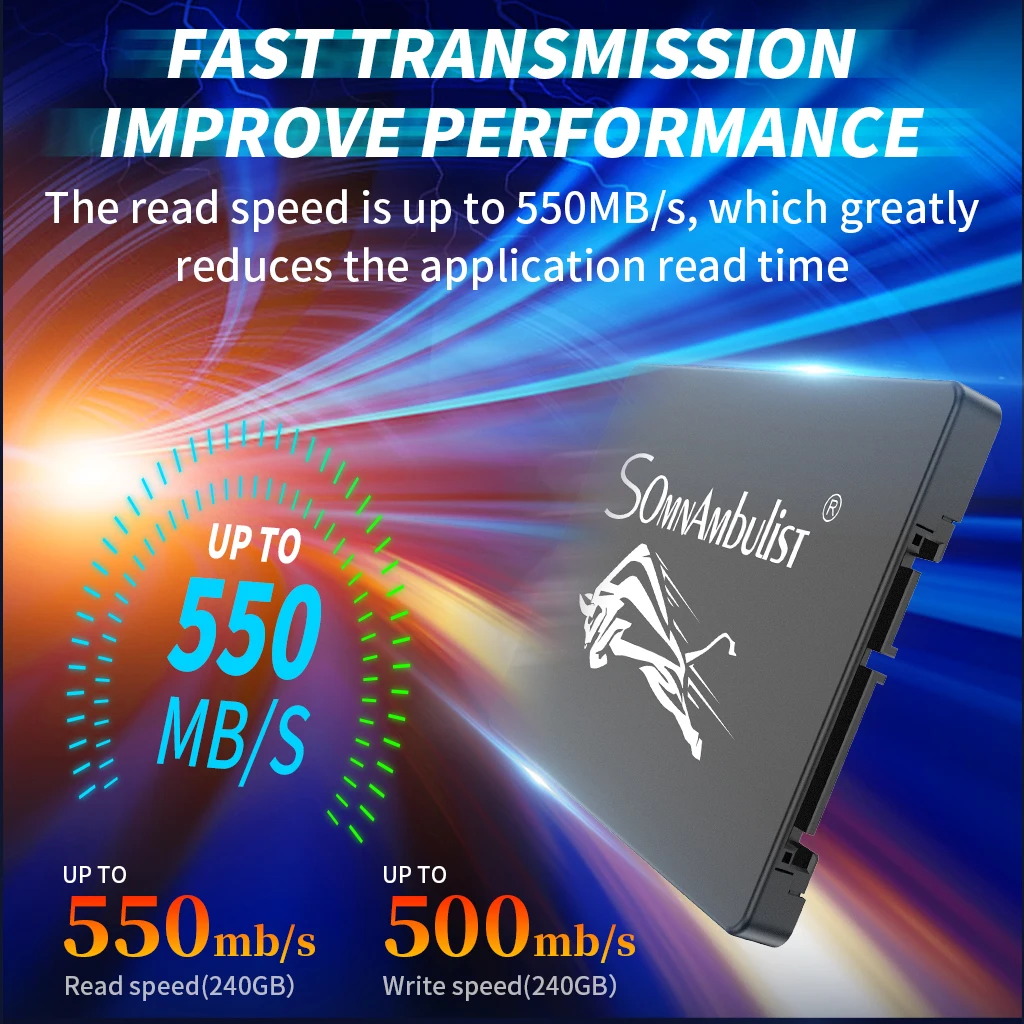
1:Our speed test is on the SATA3 interface
Difference between SATA I, SATA II and SATA III
SATA I (revision 1.x) interface, formally known as SATA 1.5Gb/s , is the first generation SATA interface running at 1.5 Gb/s. The bandwidth throughput, which is supported by the interface, is up to 150MB/s.
SATA II (revision 2.x) interface, formally known as SATA 3Gb/s, is a second generation SATA interface running at 3.0 Gb/s. The bandwidth throughput, which is supported by the interface, is up to 300MB/s.
SATA III (revision 3.x) interface, formally known as SATA 6Gb/s, is a third generation SATA interface running at 6.0Gb/s. The bandwidth throughput, which is supported by the interface, is up to 600MB/s. This interface is backwards compatible with SATA 3 Gb/s interface.
2:As different platform or software, the result will be a little difference(we usually use CrystaDisk and AS SSD Benchmark test Our SSD)
3: As we are factory and we use 1000KB=1MB for easy calculate, also we use a little space as the Bad Bolck Management software for SSD's stable using, the real capacity will be: Capacity x 0.93, Pls notice that all of the SSD must have the Bad Block Management sofeware for its running well
4:As our SSD is new and just out of factory, maybe you will found the SSD can not see in "My computer", pls right click "My computer-Management-Device manager-disc drive" and see if can find our drives. Pls do the format and partition and use the SSD as the main disk but not slave drive or connect to USB device in the first time


Смотрите так же другие товары: