Ручной тормоз Thrustmaster TSS HANDBRAKE SPARCO MOD+ для ПК | Электроника
43 390,00 руб.

Новое поступление
Магазина Marstec Store работает с 15.05.2016. его рейтинг составлет 88.46 баллов из 100. В избранное добавили 2403 покупателя. Средний рейтинг торваров продавца 4.6 в продаже представленно 336 наименований товаров, успешно доставлено 2675 заказов. 936 покупателей оставили отзывы о продавце.
Характеристики
*Текущая стоимость 3 795,86 уже могла изменится. Что бы узнать актуальную цену и проверить наличие товара, нажмите "Добавить в корзину"
| Месяц | Минимальная цена | Макс. стоимость | Цена |
|---|---|---|---|
| Feb-19-2026 | 4820.66 руб. | 4916.93 руб. | 4868 руб. |
| Jan-19-2026 | 3909.33 руб. | 3987.93 руб. | 3948 руб. |
| Dec-19-2025 | 4744.78 руб. | 4839.81 руб. | 4791.5 руб. |
| Nov-19-2025 | 4706.36 руб. | 4800.39 руб. | 4753 руб. |
| Oct-19-2025 | 3757.82 руб. | 3832.9 руб. | 3794.5 руб. |
| Sep-19-2025 | 4630.48 руб. | 4723.65 руб. | 4676.5 руб. |
| Aug-19-2025 | 4592.66 руб. | 4684.65 руб. | 4638 руб. |
| Jul-19-2025 | 4554.25 руб. | 4645.37 руб. | 4599.5 руб. |
Описание товара
Description:
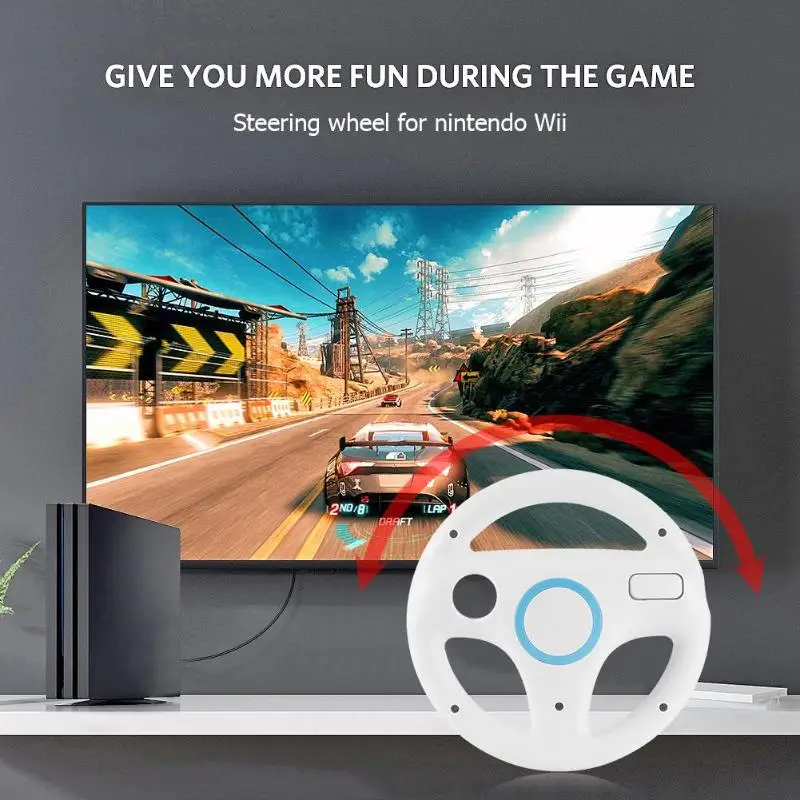
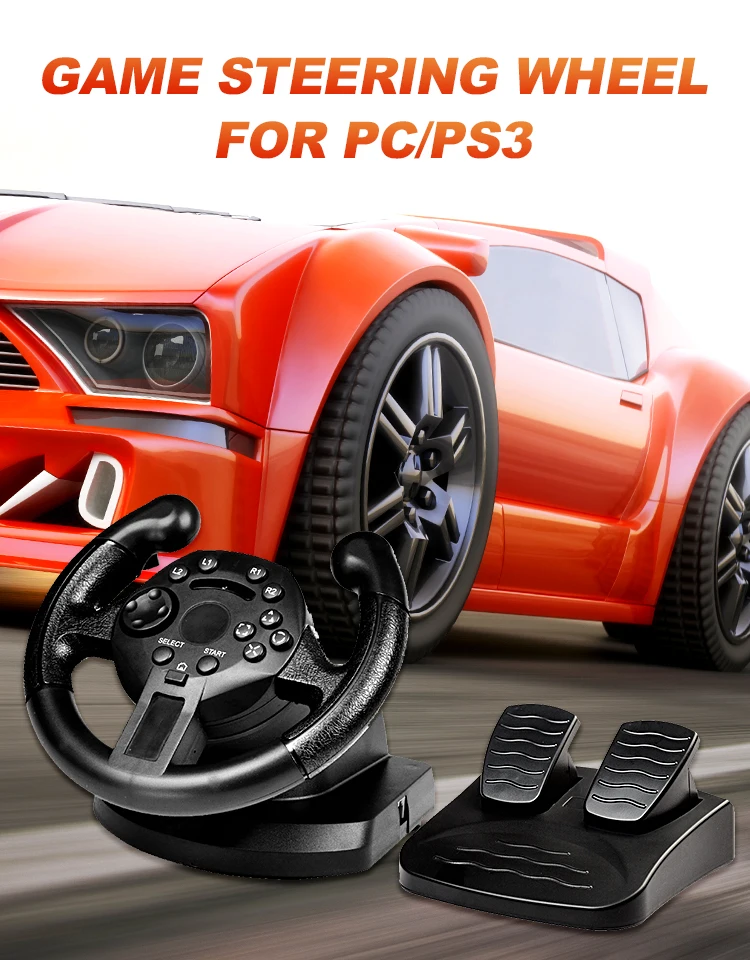
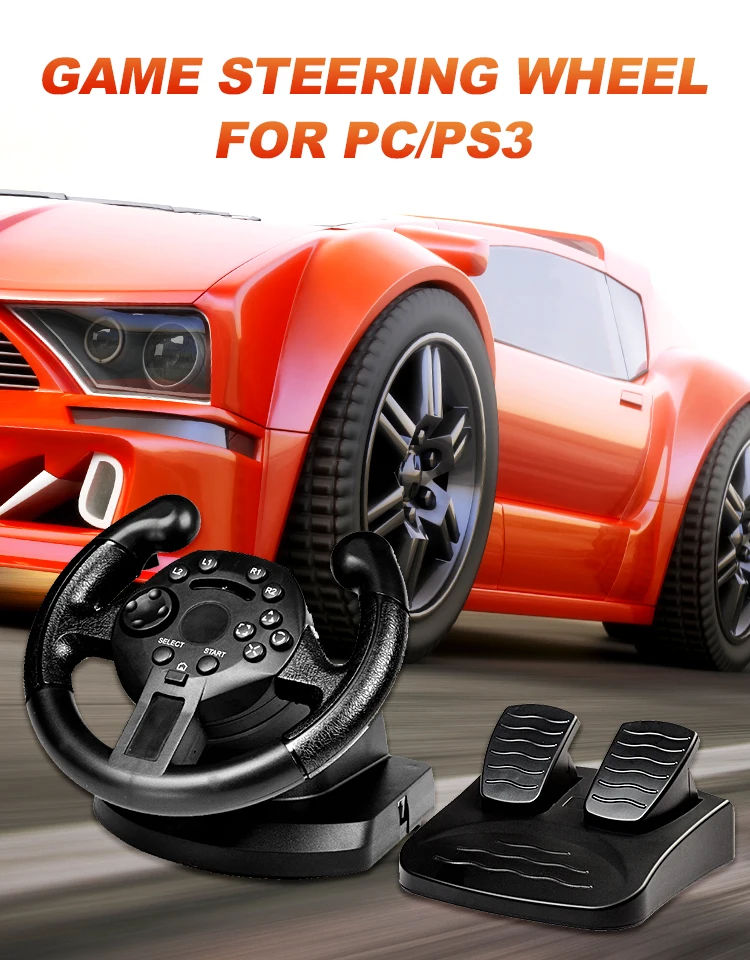
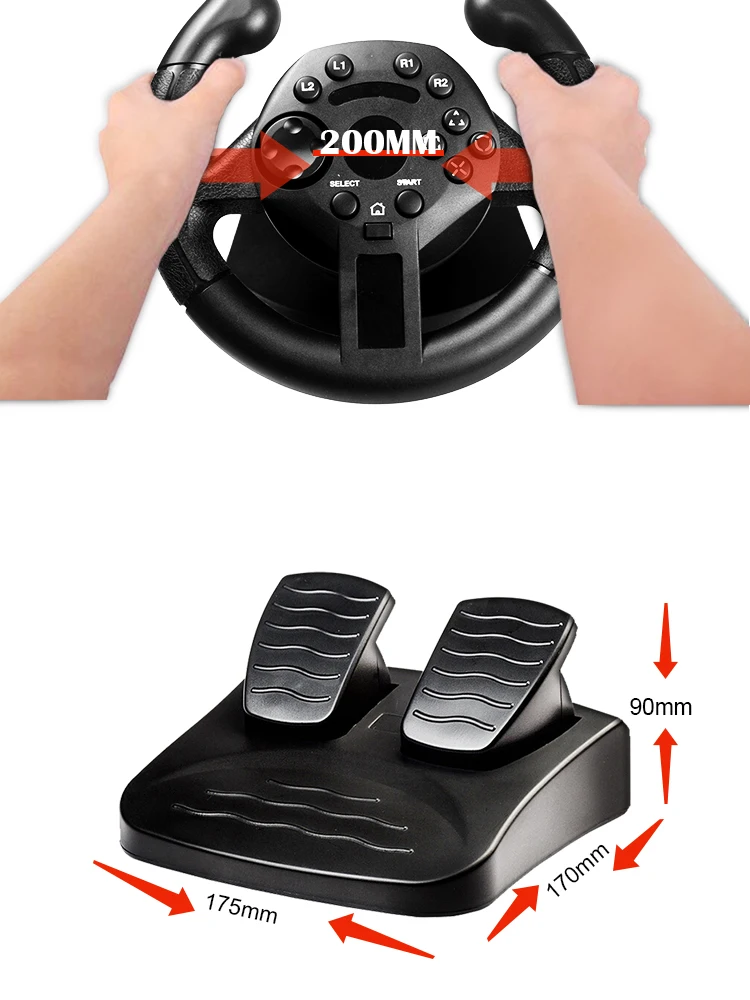
90-degree Game Racing Steering Wheel Vibration Joysticks For PS3/PC
For PS3: Before connecting the steering wheel to your game console, you need to turn off the console, Always connect to the Portl for single player mode. TO PC-USB: Install the driver before connecting the steering wheel to your PC if you like vibration in D-INPUT mode(CD driver only for vibration function in D-INPUT). D-INPUT (default mode): Mode Led -off. you can play the D-INPUT PC games directly Note: if the wheel has switched into X-INPUT mode, just press Menu Button and hold for 5 second. the wheel will switch back to D-INPUTX-INPUT mode. X-INPUT mode: Press Menu Button and hold for 7 Second to access into X-INPUT mode, Mode LED =On. you can play the X-INPUT games now.
Product features
1.Compatible with PlayStation3.
2. D-INPUT Mode and X-INPUT Mode in PC.
3.compatible with WinMe/2000/xpVista32/vista6-4/win7/win8/wini0.
4. Compatible with X-INPUT, you can play PC version xbox 360 games on PC.
Specifications:
color:black
Compatible with:for PlayStation 3
Mode:D-INPUT and X-INPUT
Interface type: USB
Material: ABS
Installation:
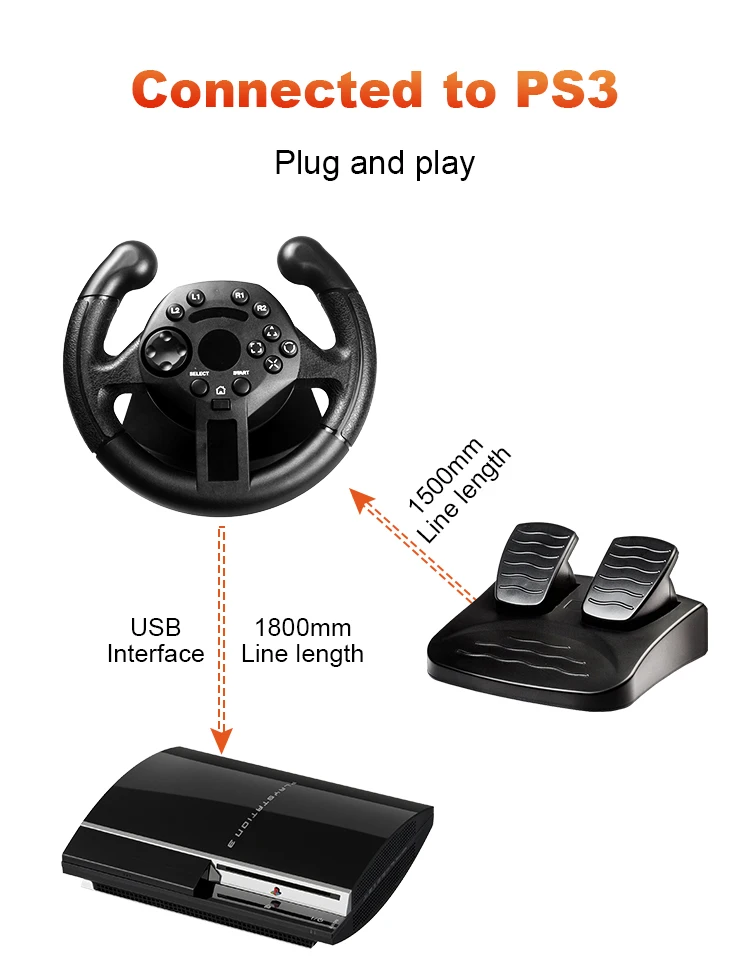
The Racing wheel includes the steering wheel unit and foot pedal unit. it is quite easy to connect them together. However, first you must switch your game console "OFF before connecting the Racing Wheel.
A.Connecting the foot pedal unit to the steering wheel nit.
To simulate the real driving experience, you can use the foof pedal unit to control the acceleration and braking action. To connect thistwo unit, simply plug the male type plug found on the foot pedal unit into the base of the steering wheel unit.
B. Connecting the Racing wheel to the Game console.
Plug the cable from the steering wheel unit into the console
Note: Please ensure that the steering wheel unit is in initial position when switching on your game system. If the steering wheel unit is
the neutral position,that position will be deemed the neutral position when switching on your game system.
Key function operation introduction:
1.Auto centering function
The Wheel center position is automatically set when switching on your game syster.
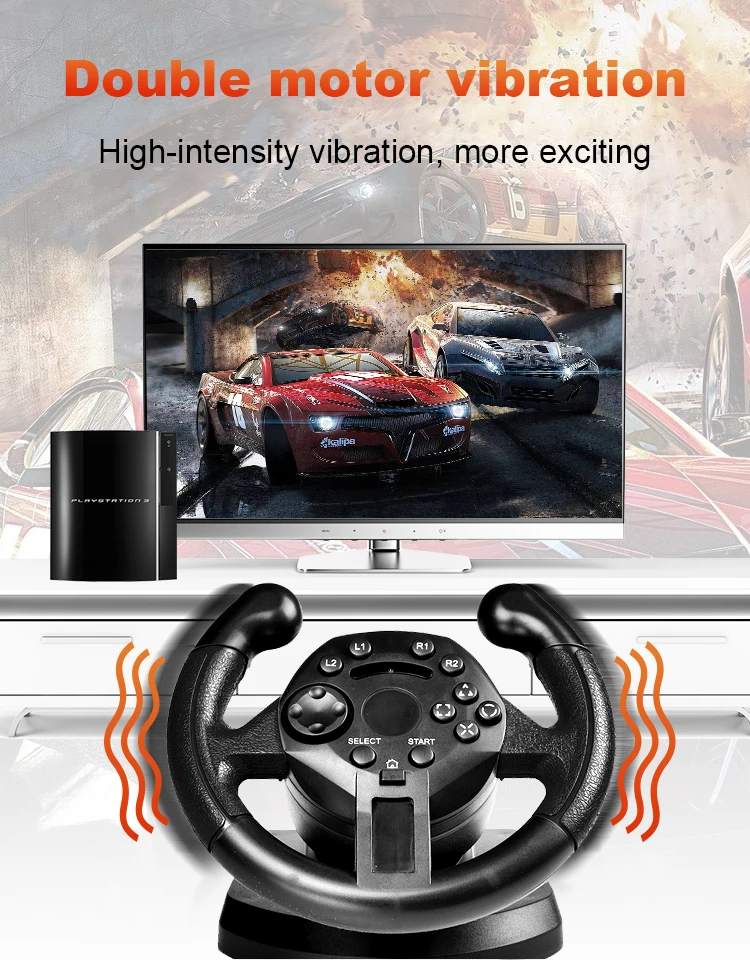
Realistic vibration feedback for effect-feeling on every crash, bump and turn.
2.Auto detect game console without switching
PS button for direct access to the PS3 menu in PS3.All buttons located on the wheel are very quick response.
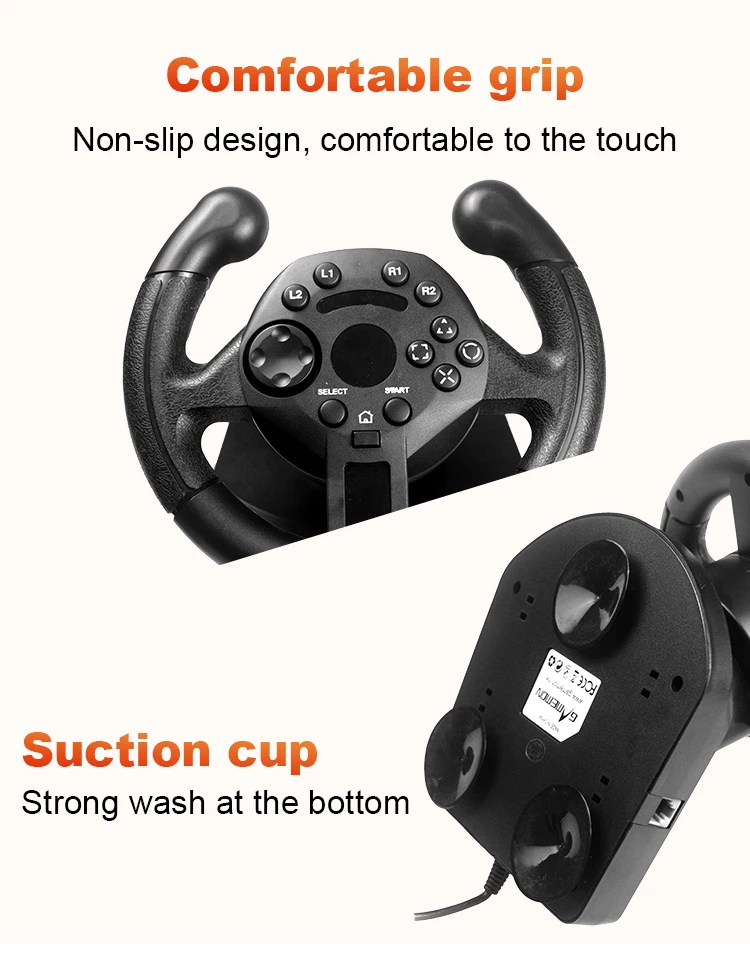
3.Action buttons
These buttons are correspond to specific game functions detailed, in your software documentation and options menu.
4.Menu Button
For direct access to the Playstaion3 menu in Play.
Three suction cups keep the wheel rooted to the desk, even in the heat of a race.
5.D-pad
This is used for navigating through the menus and making menu changes.
Note:
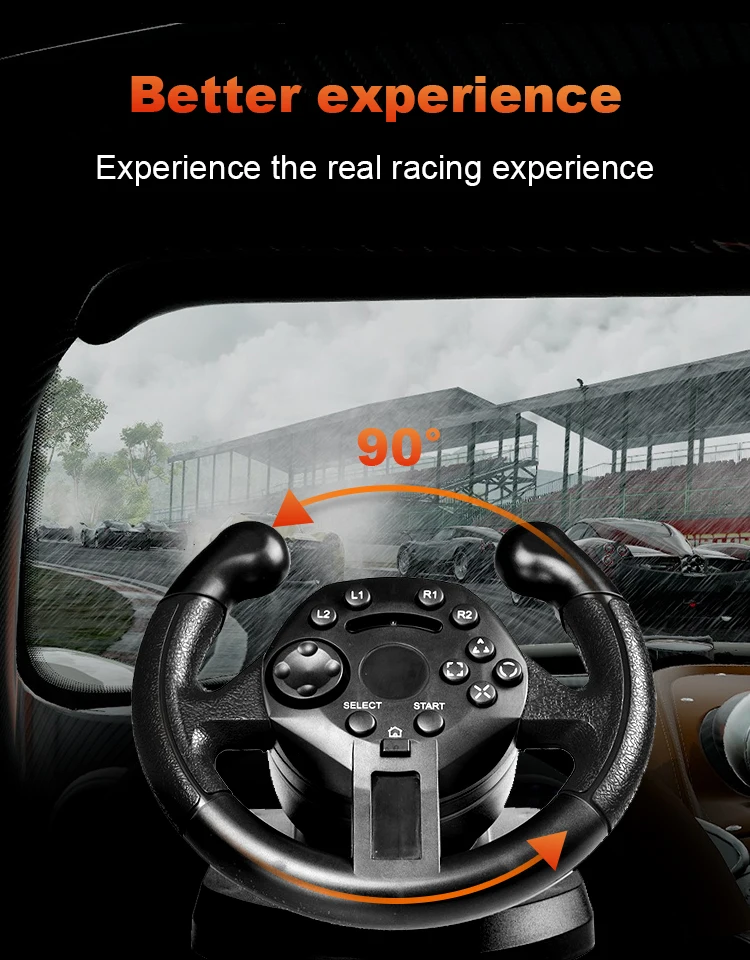
90-degree Steering Angle
The wheel have analogue output, such that the actually output is proportional to the movement of the wheel. Please do not try and tum the wheel past its limitations(90 degree tum limiter)。 Doing so may damage or effectively ruin the steering wheel. Excessive force is NOT necessary to get the most out of your wheel.
Смотрите так же другие товары: