*Текущая стоимость 23 757,58 уже могла изменится. Что бы узнать актуальную цену и проверить наличие товара, нажмите "Добавить в корзину"
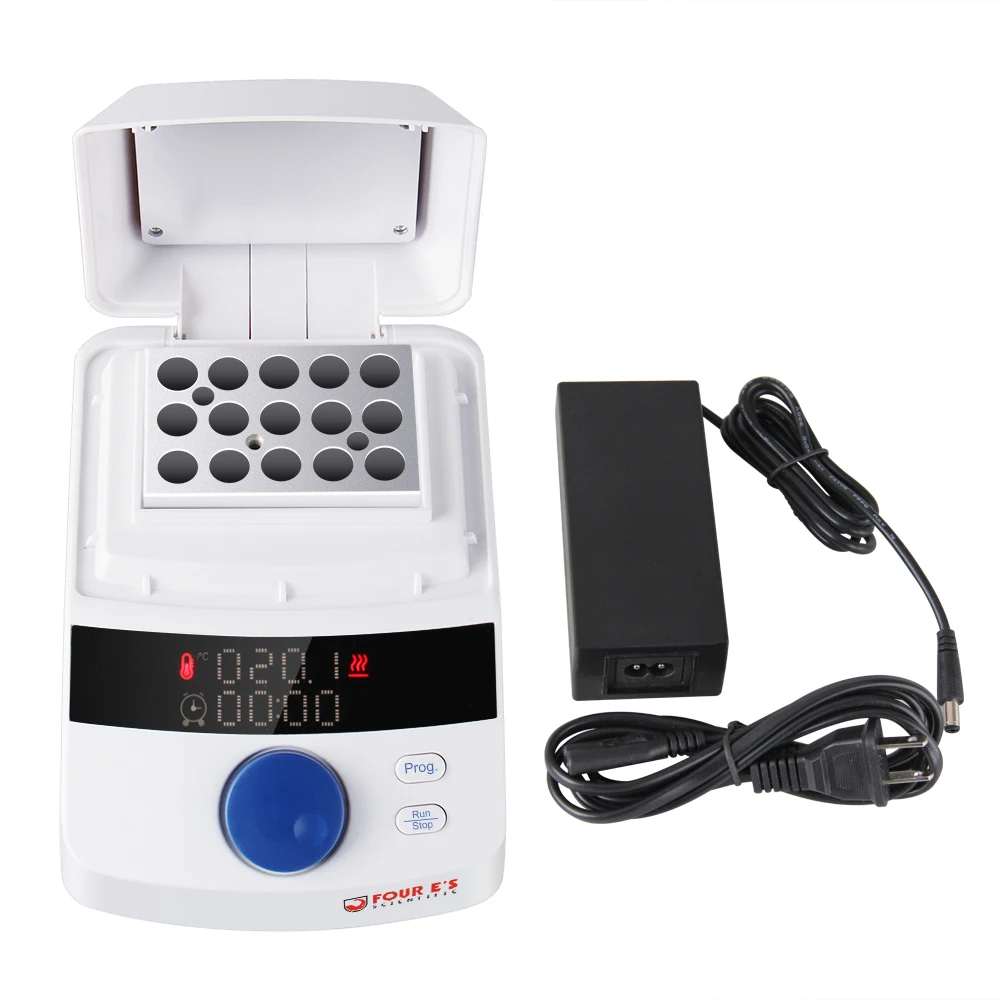
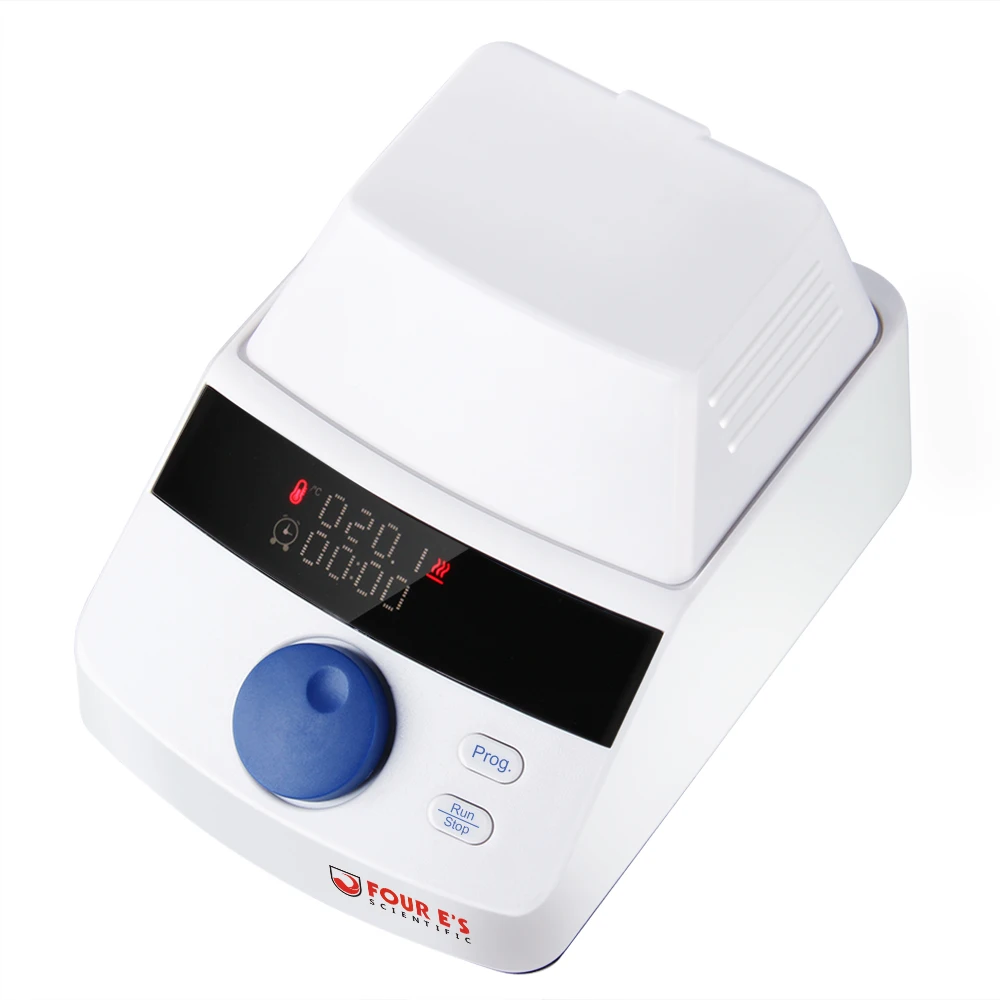
Mini Dry Bath Incubator
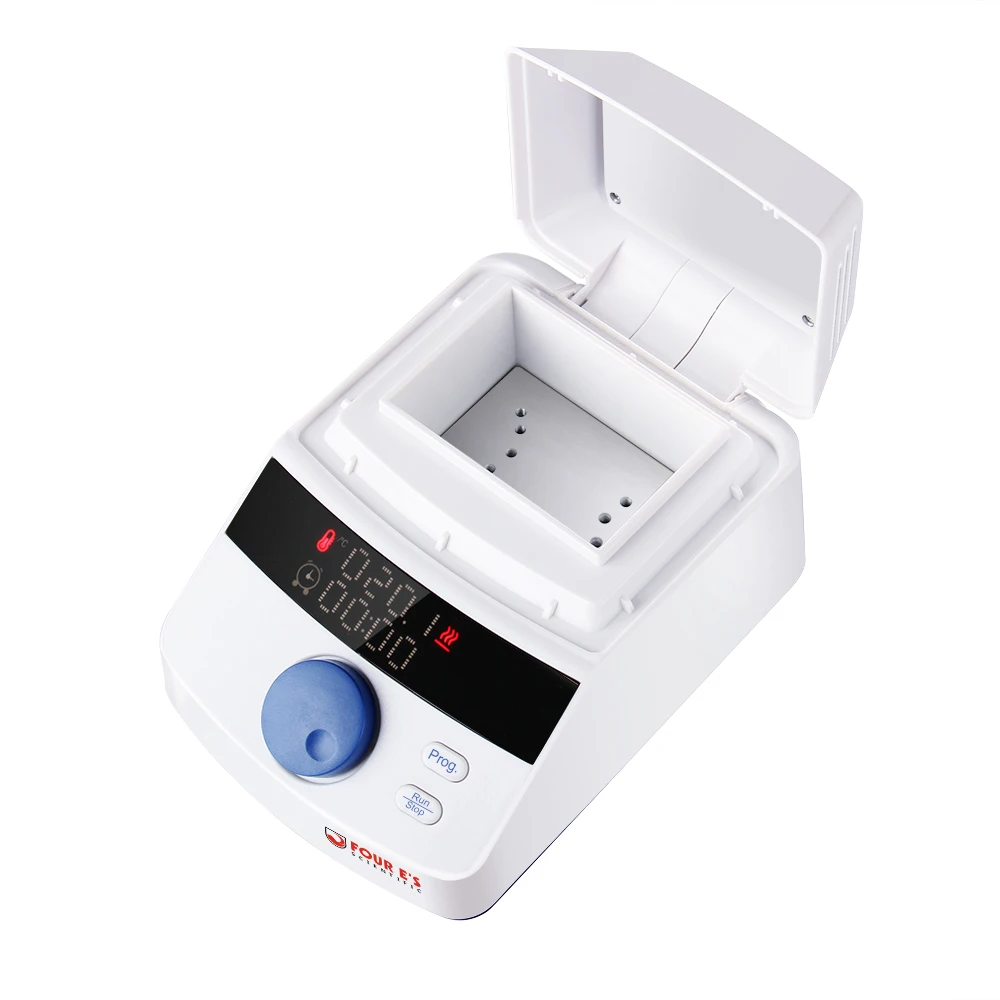
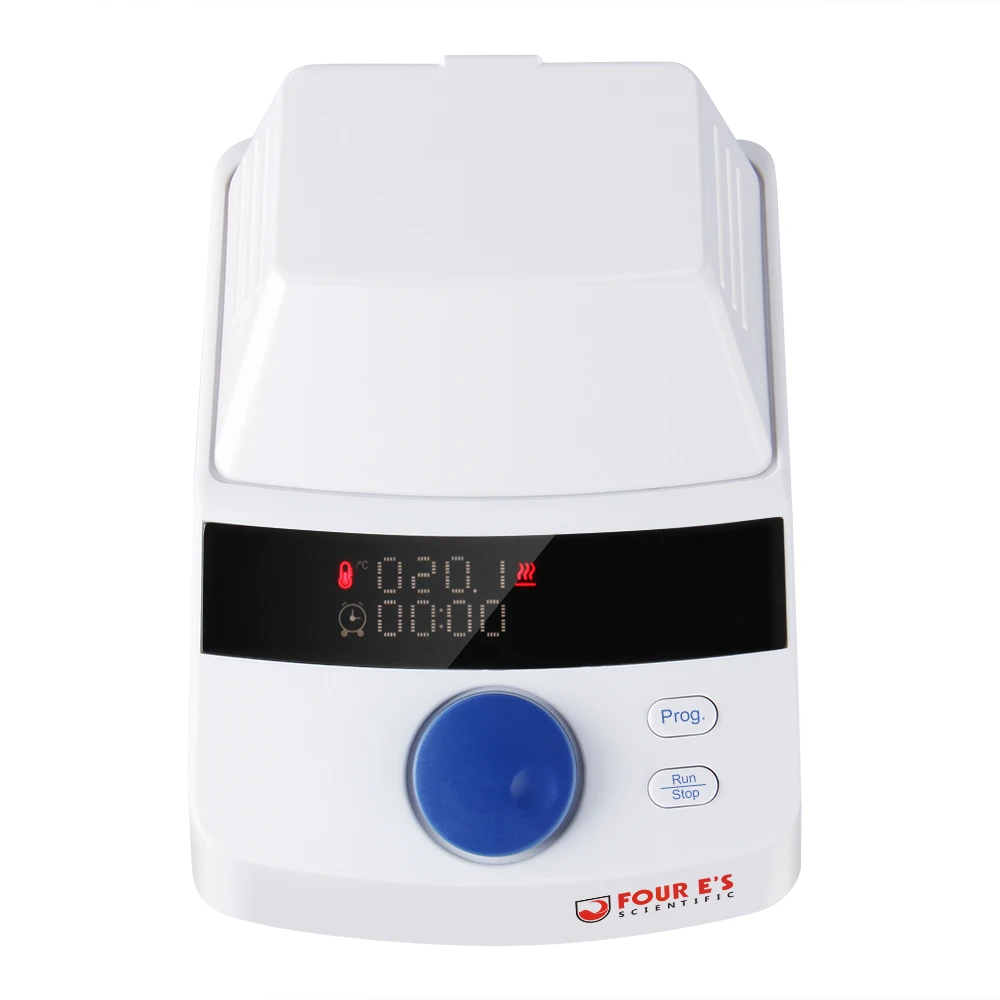
Four E's Scientific mini dry bath incubato with heating lid (TC0401006) is LED Display of time and temperature, and the heating lid provide better heating performance. The temperature control range is roon temperature +5℃~100℃, and there are various block for option. Applications: Restriction digests, denaturing DNA, NUB, melting agar, coagulation studies, in-situ hybridisation, and Hot Start thermocycler reactions.
Features:
![]()
|
1.LED display for easy reading
2.Heating lid
3.Temperature is up to 100°C
4.Simultaneous display of set/actual time and temperature
5.3D digital wheel adjustment of speed and temperature
6.High temperature precision is up to±0.5°C
7.Programmable operation can store up to 5 programs
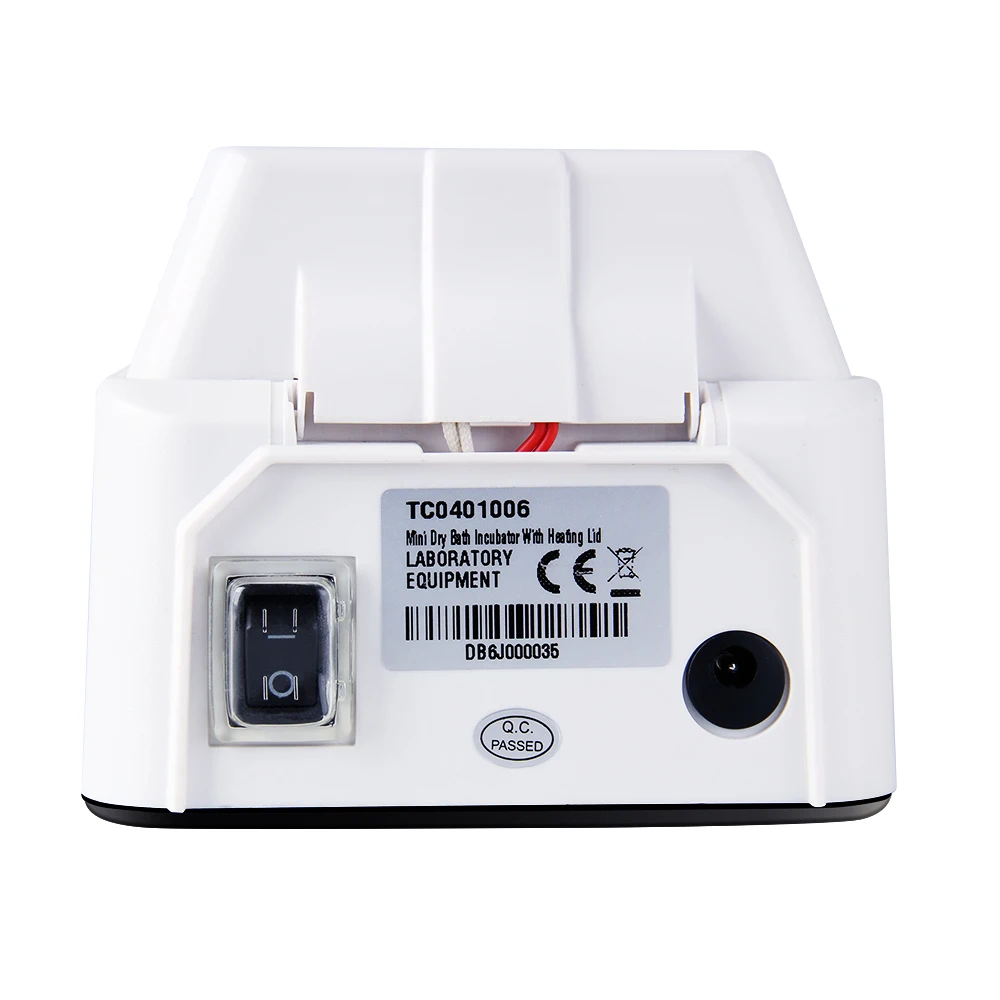
8.Low operation voltage (12v) can be used directly with car charger
9.Various applications with different blocks
|
Specifications:
Model
|
TC0401006
|
Temperature Control Range
|
RT + 5°C~100°C
|
Timing Range
|
0~99h59min
|
Temp. Control Accuracy
|
±0.5°C
|
Display Accuracy
|
±0.1°C
|
Heating Time (40°C to100°C Temp.)
|
≤15min
|
Dimension (mm)
|
164 x 116 x 98
|
Net Weight
|
0.9kg
|
Package including:
1xTC0401006 Mini Dry Bath Incubator
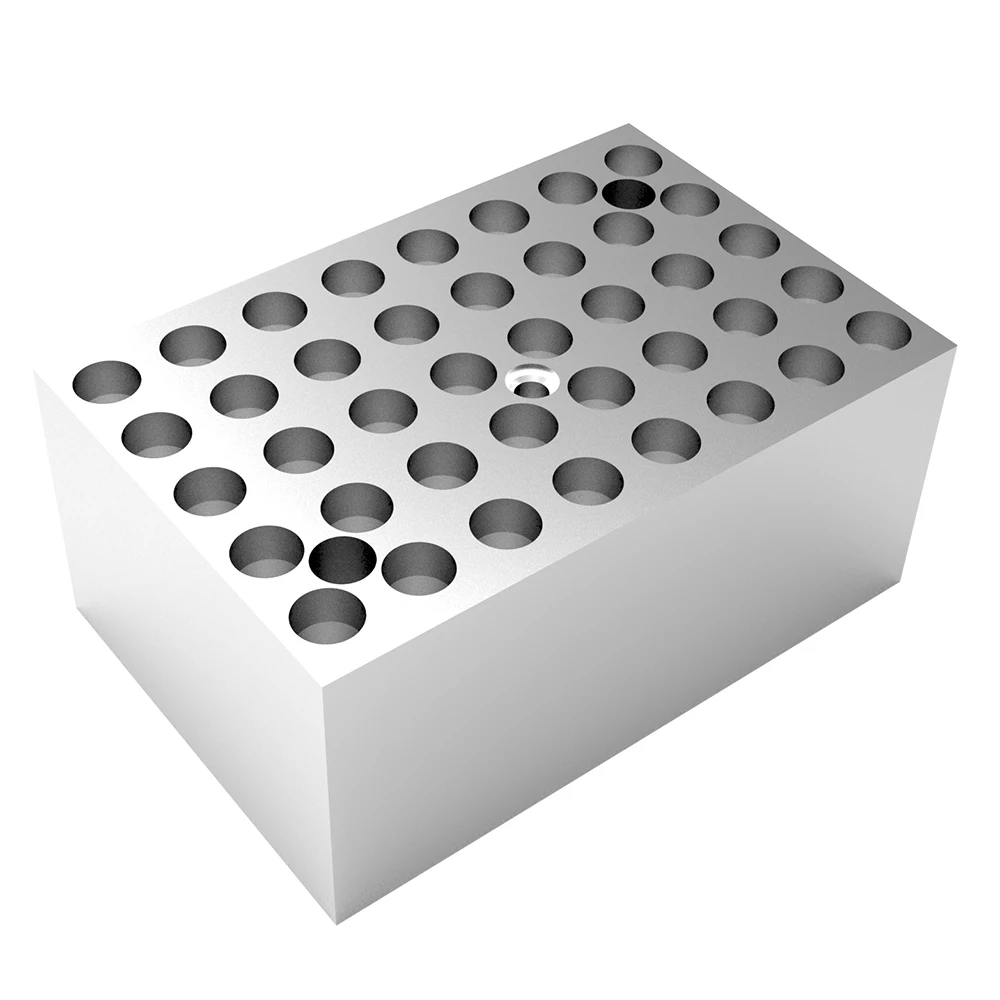
1xTC0401005-31 heating block 40*0.2ml
1xpower adapter
![]()
![]()
![]()
![]()
![]()
![]()
![]()
![]()
![]()
![]()
![]()
![]()
Mini Dry Bath Incubator INSTRUCTION
1. product description
The MINI dry bath is a thermostatic metal bath device controlled by
a microcomputer. The instrument can be configured with various modules
and can be widely used for the preservation of various samples, thepreservation and reaction of various enzymes, the denaturation ofnucleic acids and proteins, and serum coagulation etc.2.FeaturesThe dry bath function mainly includes: temperature calibration,temperature setting, heating parameter preservation, heating parameterretrieval and other functions.
3.Specifications
![]()
![]()
4. Detailed operation instructions1). Temperature calibrationNote: The initial use of the machine must be calibrated once, otherwise problems such as the inability to save parameters under normal use may occur.a) After power on, long press the encoder button > 3S, the system enters the calibration mode. At this time, the display only shows the temperature value and the clock value disappears, ensuring that the calibration mode is entered. b) Press PRO key to select setting calibration point 40/60/80/100 (if the temperature value is not the specified value, adjust the encoder to the specified value), or you can directly adjust the encoder to the specified calibration point value without pressing the PRO key.c) Add the high-boiling solution (greater than 100°, such as glycerin) to the upper BLOCK hole and immerse the standard thermometer probe in the BLOCK solution. Make sure that the probe is located in the hole in or near the geometric symmetry of theBLOCK.d) Press the RUN/STOP key to start warming up and the system status goes to "HEATING" mode.
e) After waiting for the system to enter the "HOLDING" mode, wait for another 20 minutes. At this time, read the standard thermometer temperature value and press the RUN/STOP button while adjusting the encoder to the standard temperature value.f) Long press the PRO key to save the calibration value.g) Repeat steps b-f to complete the calibration of the remaining temperature points. h) After the calibration is completed, re-power on2). Temperature setting
The temperature setting can only be performed without heating;