Kapud Android 11 Автомобильный мультимедийный плеер 9" Навигация для Bmw 5 Серия E39 M5 Auto1998-2003 Радио Стерео BT CarPlay GPS SWC DSP Включено.
29437.26
Новое поступление

Магазина Aoonav Outlets Store работает с 12.07.2021. его рейтинг составлет 91.45 баллов из 100. В избранное добавили 632 покупателя. Средний рейтинг торваров продавца 4.7 в продаже представленно 3609 наименований товаров, успешно доставлено 140 заказов. 386 покупателей оставили отзывы о продавце.
Характеристики
*Текущая стоимость уже могла изменится. Что бы узнать актуальную цену и проверить наличие товара, нажмите "Добавить в корзину"
| Месяц | Минимальная цена | Макс. стоимость | Цена |
|---|---|---|---|
| Mar-20-2026 | 0.78 руб. | 0.38 руб. | 0 руб. |
| Feb-20-2026 | 0.23 руб. | 0.23 руб. | 0 руб. |
| Jan-20-2026 | 0.18 руб. | 0.1 руб. | 0 руб. |
| Dec-20-2025 | 0.67 руб. | 0.47 руб. | 0 руб. |
| Nov-20-2025 | 0.81 руб. | 0.97 руб. | 0 руб. |
| Oct-20-2025 | 0.83 руб. | 0.70 руб. | 0 руб. |
| Sep-20-2025 | 0.15 руб. | 0.27 руб. | 0 руб. |
| Aug-20-2025 | 0.61 руб. | 0.13 руб. | 0 руб. |
| Jul-20-2025 | 0.45 руб. | 0.70 руб. | 0 руб. |
Описание товара
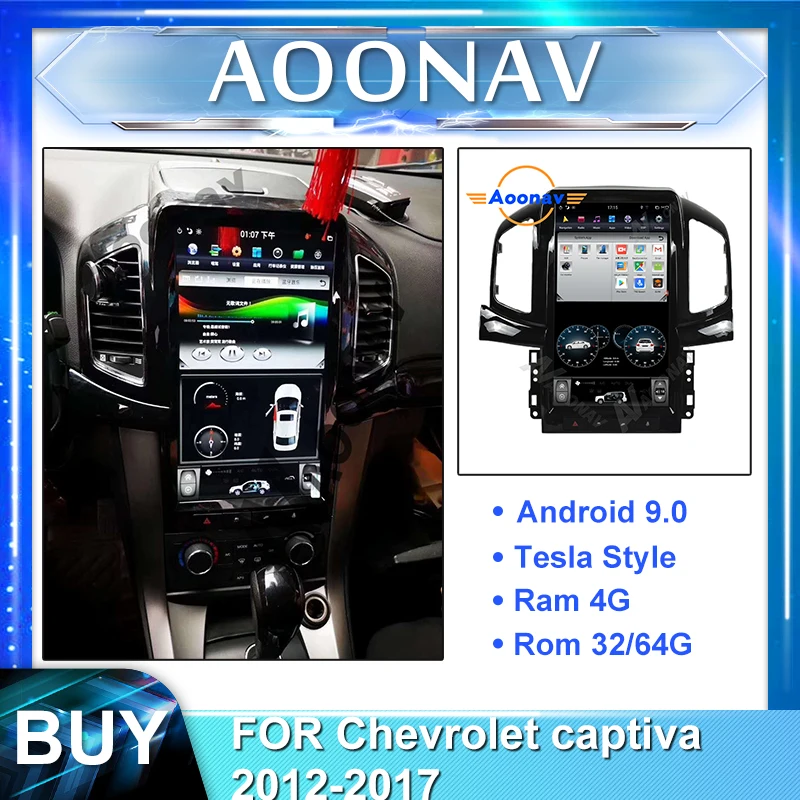
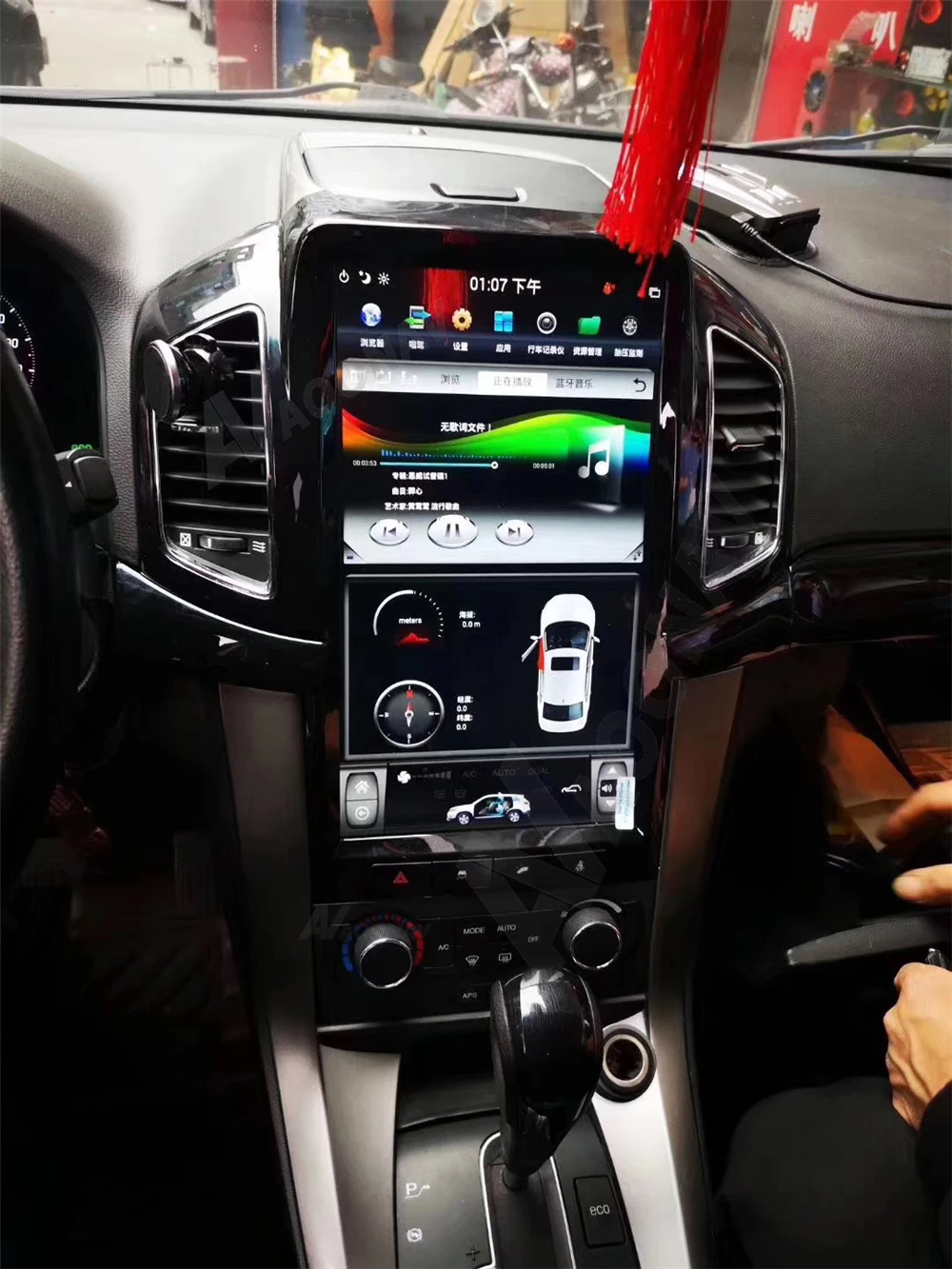
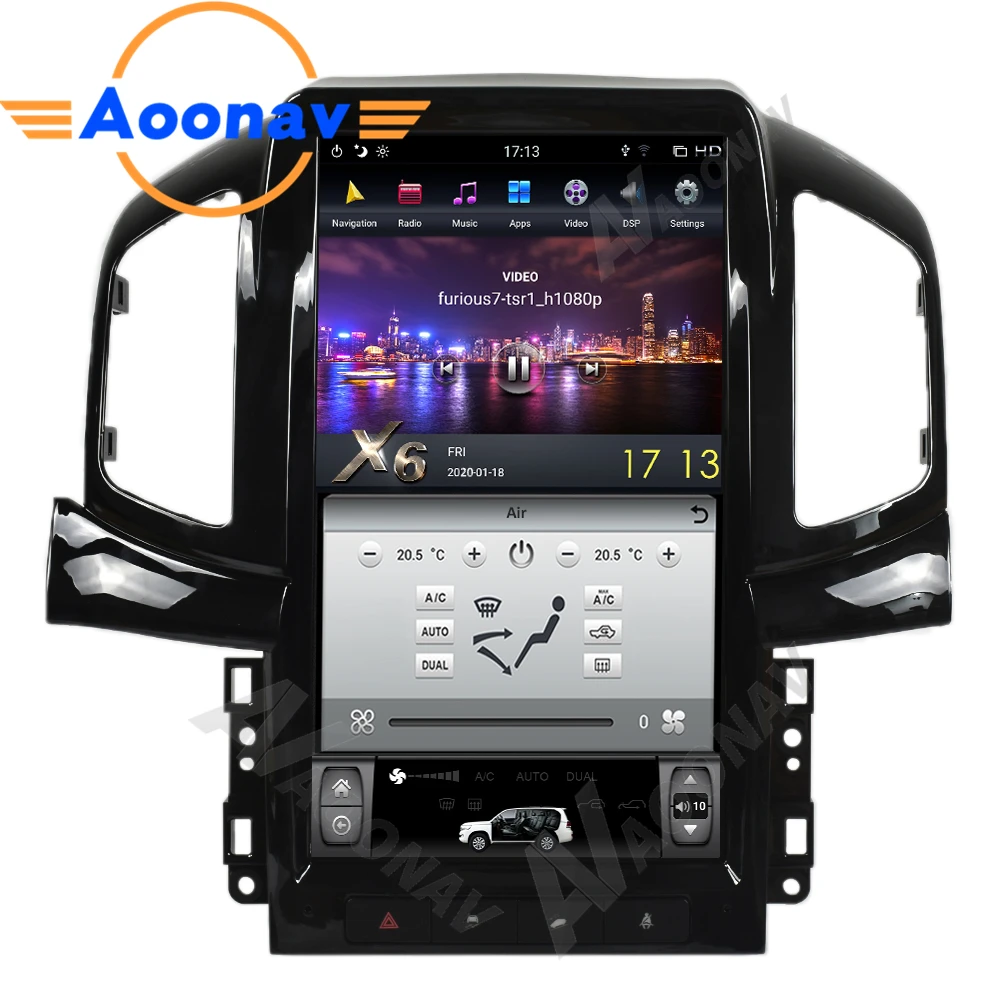
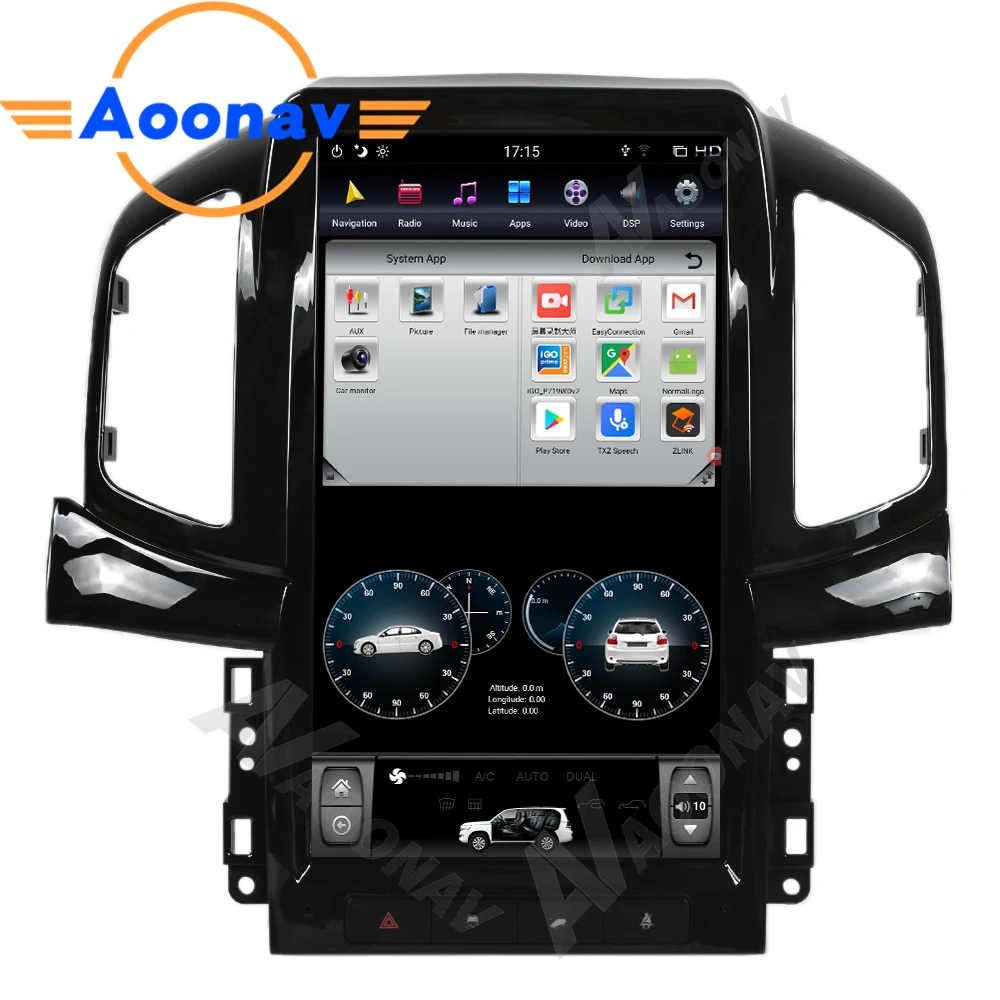
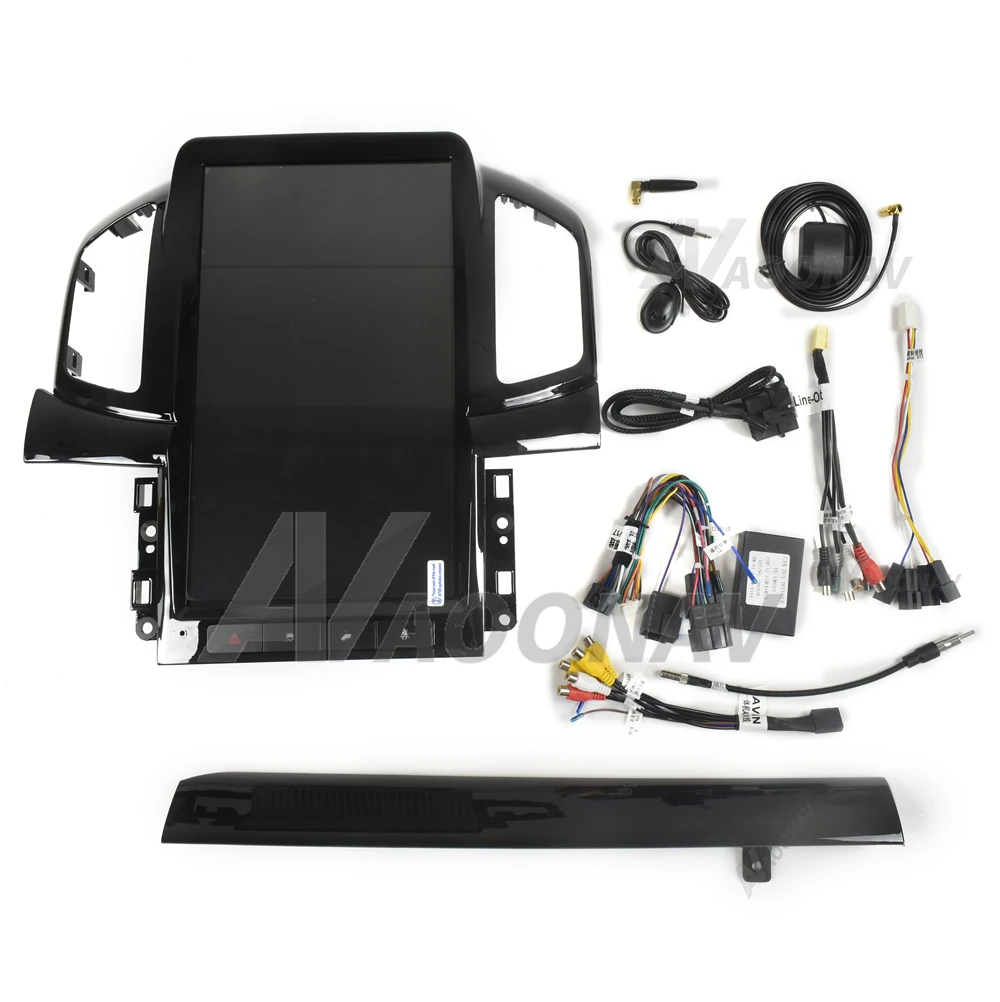
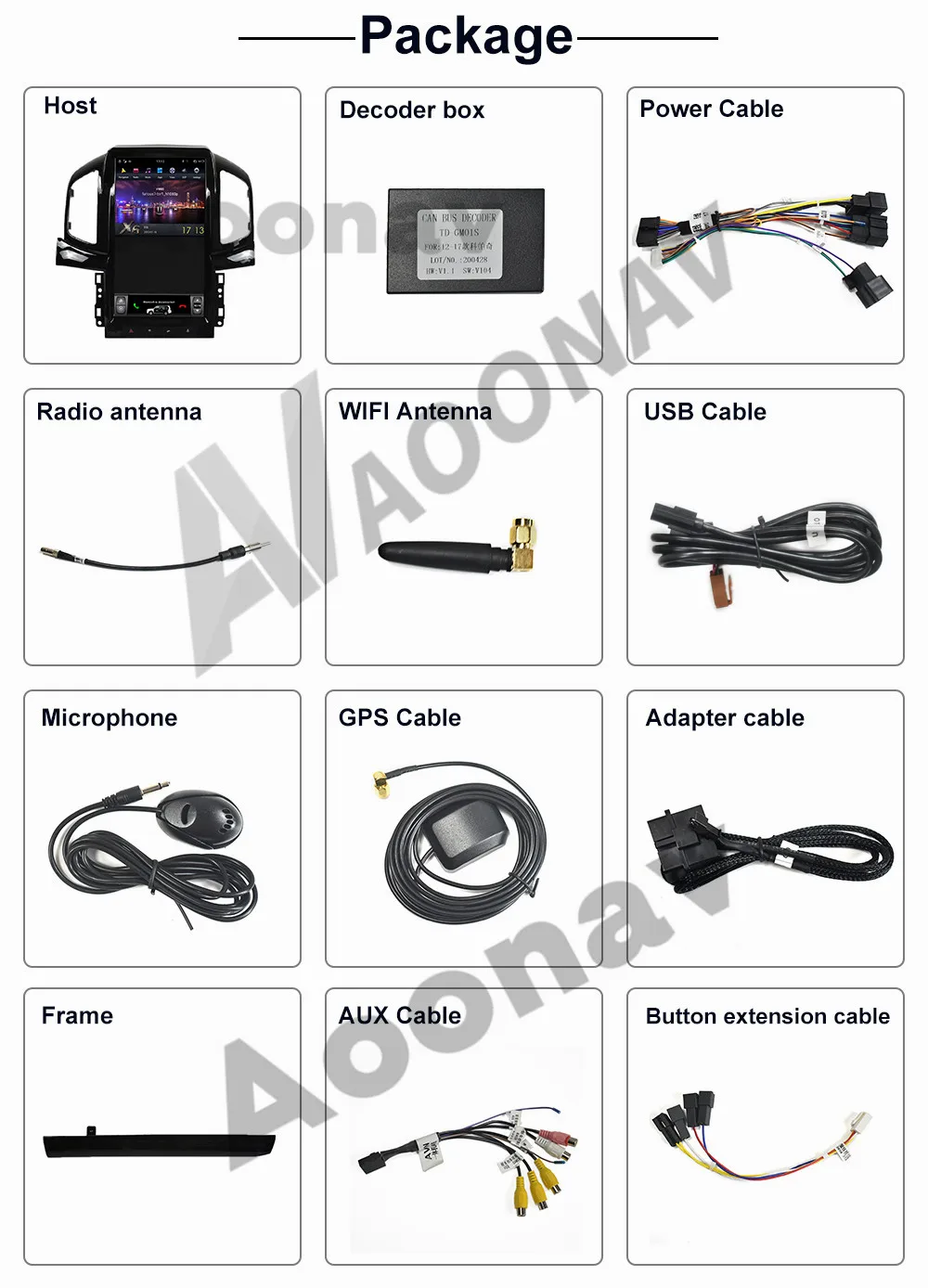
AOONAV car radio DvD player vertical screen for Chevrolet captiva 2011 2012 2013-2017 car GPS navigation IPS multimedia player
Note:
1. Please send us your car control Dashboard and model and configuration information when you cannot confirm if this is suit for you car
2. If the control chart of your car is the same as the one shown below, you can buy it directly Before installationFAQ
1. How do I know if the radio is right for my car? We usually describe compatible cars on the product list page. If you still have questions, please send your car's central control chart before purchasing to ensure that the product model is compatible, and please send your car model and year to ensure that the CAN protocol is applicable to the original car. Please check if your car has its own rear 360-degree panoramic camera? Please check if the screen of your car has changed? Tell us this information and we will help you confirm it. 2. What functions does Android Navigation provide? Android navigation is like an Android phone. You can install the Android application and GPS navigation through the navigation application selected in the software store. It also retains most OEM features. Other accessories, such as DVR, OBD, rear camera, 360 ° camera, etc. 3. About installation instructions Usually, our products are plug and play, and there are usually wiring diagrams available that show how to connect in a car, so most of the time people can install their own radio. We can also provide real-time help online on request. However, if you are concerned about any damage in your car, it is best to ask a professional to install it. 4. Which Android applications can be installed? You can install all Android applications compatible with the Android firmware version. Google Play is included in the navigation. You can also install apps that are not in the PlayStore by enabling "Unknown sources". 5. How to connect navigation to the Internet? Our products support the WiFi link function, so if you know the password, you can connect it to any Wi-Fi network. To connect to the Internet from your car, you can turn on your phone's Wi-Fi hotspot, or you can purchase a dedicated mobile Wi-Fi hotspot for your car.Смотрите так же другие товары: