USB-плата для моста с интерфейсом RS485 функцией подключения к сети | Мобильные
618,98 руб.


Новое поступление

Магазина GSMSMART Store работает с 03.12.2016. его рейтинг составлет 92.81 баллов из 100. В избранное добавили 4519 покупателя. Средний рейтинг торваров продавца 4.7 в продаже представленно 561 наименований товаров, успешно доставлено 6374 заказов. 1349 покупателей оставили отзывы о продавце.
Характеристики
*Текущая стоимость US $60.85 уже могла изменится. Что бы узнать актуальную цену и проверить наличие товара, нажмите "Добавить в корзину"
| Месяц | Минимальная цена | Макс. стоимость | Цена |
|---|---|---|---|
| Mar-20-2026 | 71.60 руб. | 75.2 руб. | 73 руб. |
| Feb-20-2026 | 71.66 руб. | 75.42 руб. | 73 руб. |
| Jan-20-2026 | 59.29 руб. | 62.36 руб. | 60.5 руб. |
| Dec-20-2025 | 70.54 руб. | 74.49 руб. | 72 руб. |
| Nov-20-2025 | 61.6 руб. | 64.25 руб. | 62.5 руб. |
| Oct-20-2025 | 68.50 руб. | 71.41 руб. | 69.5 руб. |
| Sep-20-2025 | 68.26 руб. | 71.85 руб. | 69.5 руб. |
| Aug-20-2025 | 67.15 руб. | 70.70 руб. | 68.5 руб. |
| Jul-20-2025 | 67.95 руб. | 70.72 руб. | 68.5 руб. |
Описание товара
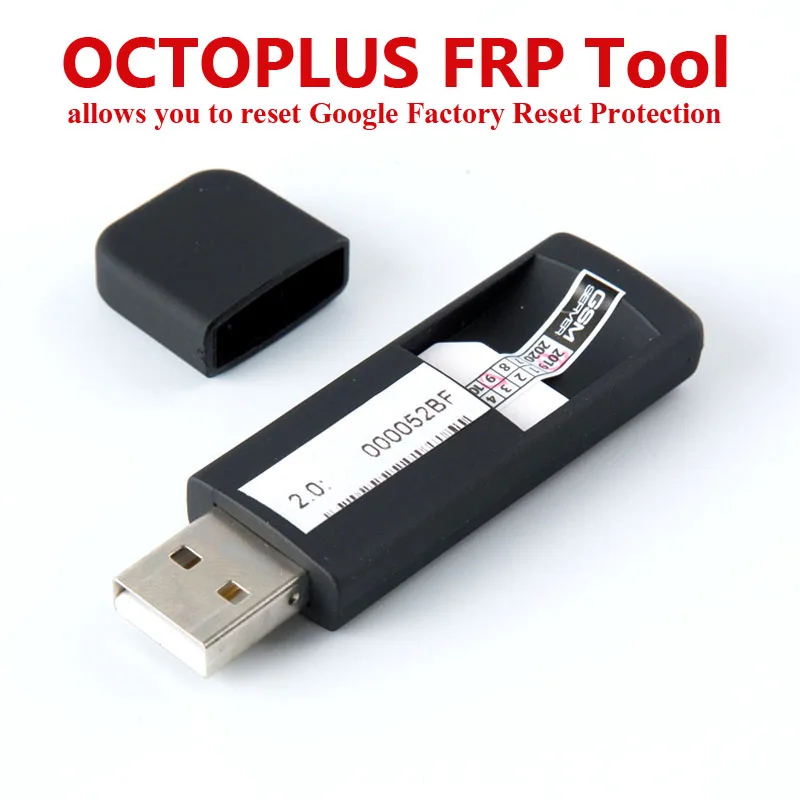
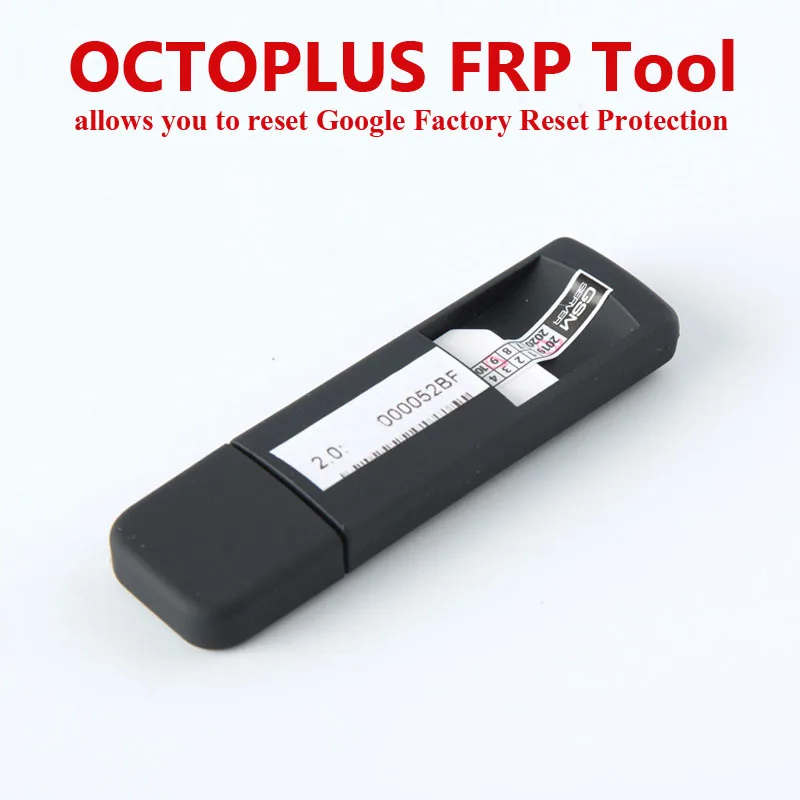
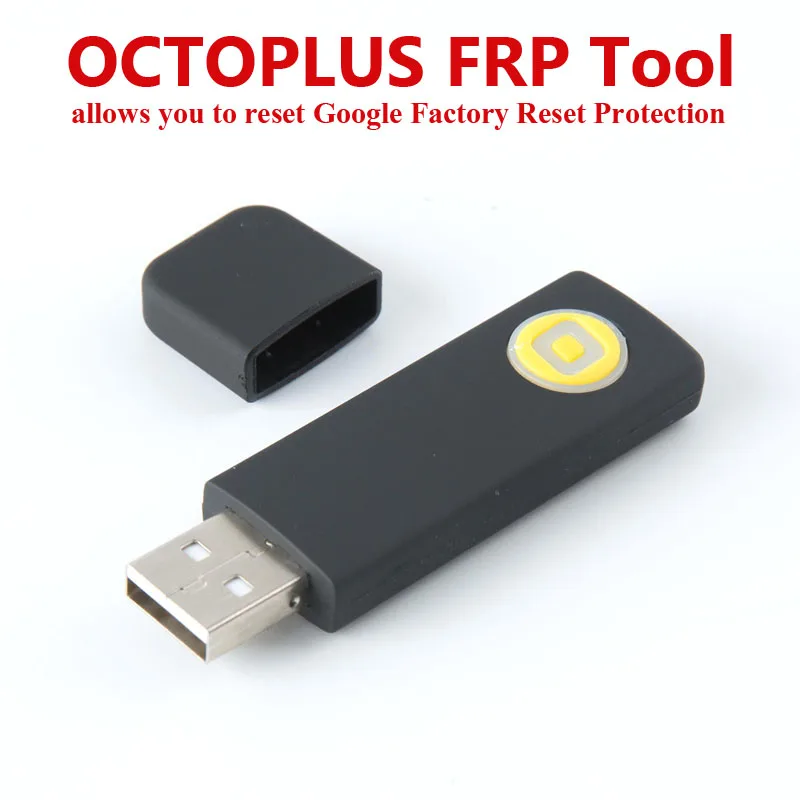
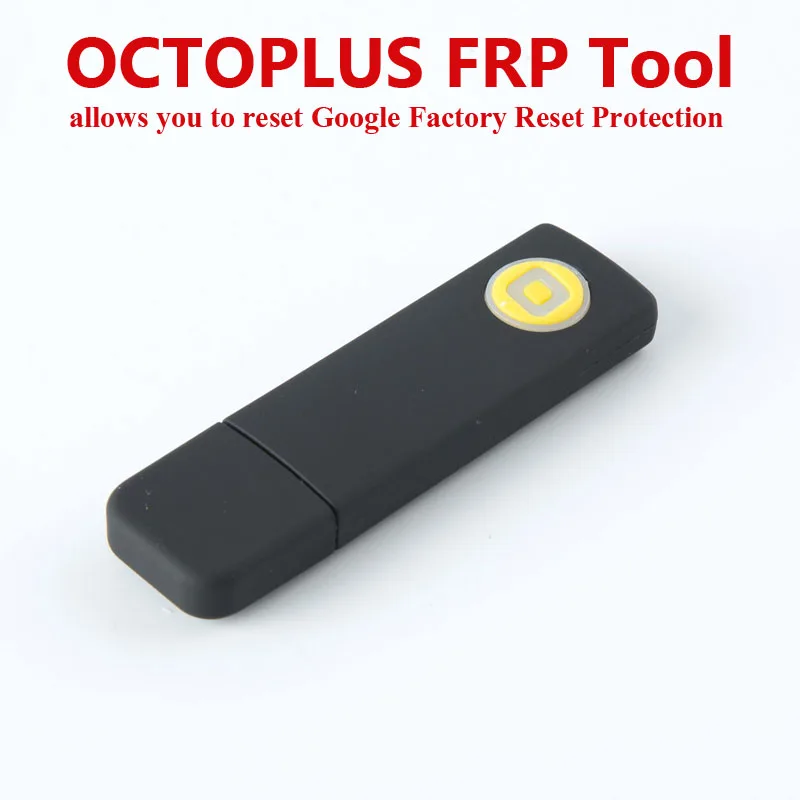
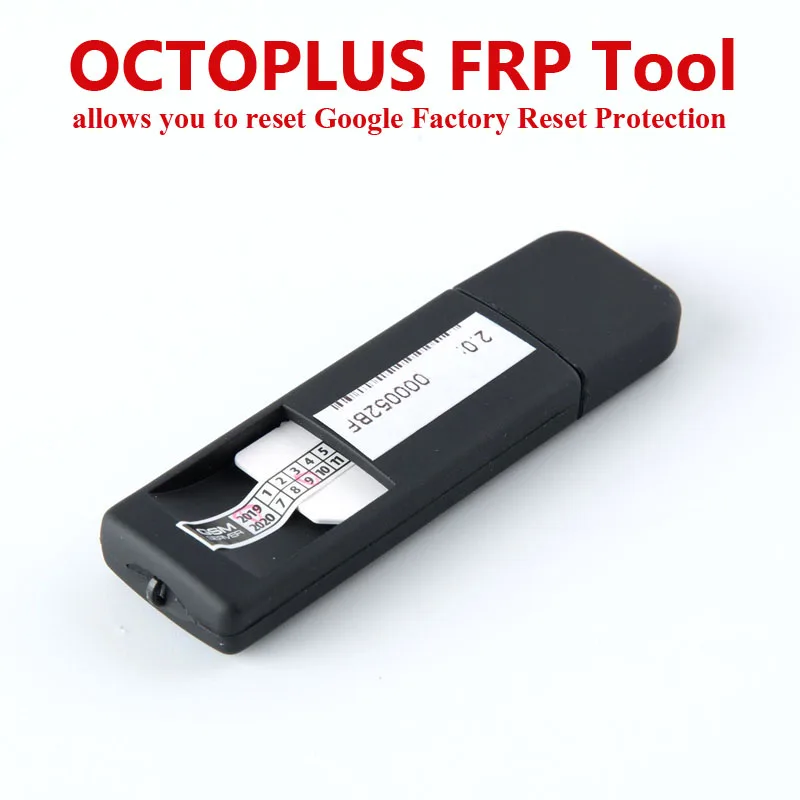
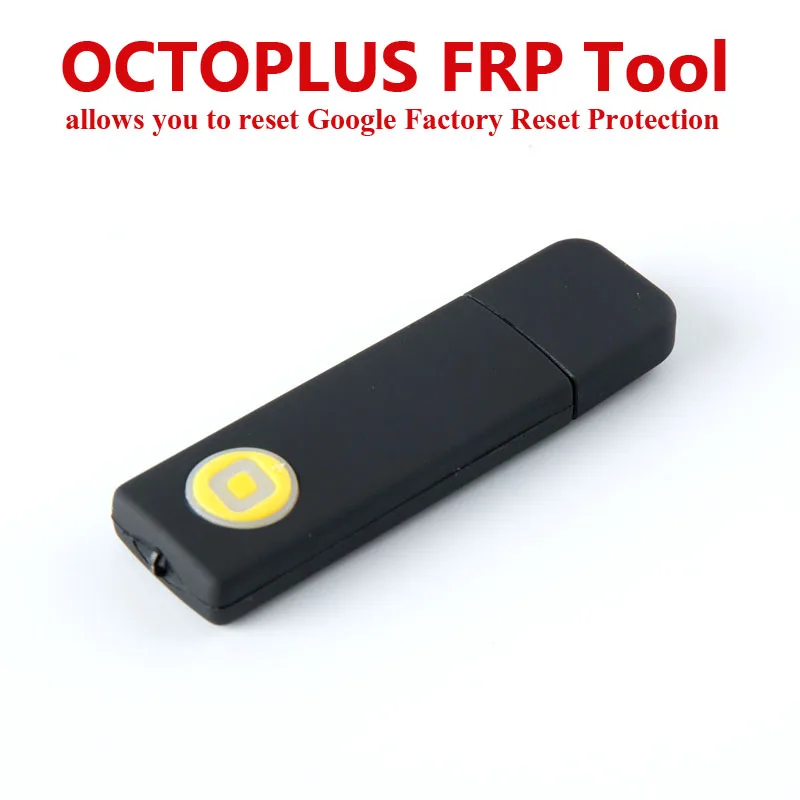
Octoplus FRP Tool allows you to reset Google Factory Reset Protection (FRP) for phones.


SAM Reset FRP operations.
1. “Reset FRP UART (UFS chips)” operation. This operation will not reset/delete device user data.
To perform “Reset FRP UART (UFS chips)” operation, do the following steps:
Put the phone in Download Mode (power off the phone, press and hold "Volume-" + "Home" + "Power ON" buttons) and connect USB cable.
Press “Reset FRP UART (UFS chips)” button.
After Software request disconnect USB cable and connect Samsung Micro UART cable.
Press and hold “Volume-“ + “Power ON” keys for 15-20 seconds, Software will automatically close wizard window and will perform the reset FRP lock.
Done.
2. “Reset FRP ADB (Combination)” operation. This operation will not reset/delete device user data.
To Reset FRP lock using combination firmware, you can try to do the following:
I.
Write "boot.img" partition from appropriate Combination firmware.
Perform "Reset FRP ADB (Combination)" operation in the software.
II.
Write full Combination firmware.
Go to "Developer Options" in the phone’s Settings.
Check "Enable OEM ..." option.
Perform Factory Data Reset.
Reflash the phone with full stock (original) firmware.
Note: "boot.img" from combination firmware can be not compatible with current phone's firmware. In that case phone will freeze on logo, or will be rebooting after writing of such boot. To restore the phone to its initial condition you need to reflash it with different full stock (original) firmware (or try to write only boot of such firmware).
Also note: You can write "boot.img" combination firmware or downgrade phone's firmware version only at your own risk!
P.S. If you cannot find combination firmware for your model in “SAM/COMBINATION" folder in Support Area, this means we don’t have these files at the moment. As soon as we get new combination firmwares, we will upload them into the Support Area.
3. “Reset FRP (Download Mode)” operation. Be careful, performing this operation will delete all user data (contacts, pictures and other) from the device!
To perform “Reset FRP (Download Mode)” operation, do the next steps:
1. Click "Reset FRP (Download Mode)" button.
2. Put phone in Download Mode (power off the phone, press and hold “Volume-“ + “Home” + “Power ON” buttons).
3. Connect the phone to PC via Micro USB cable.
4. Follow Software instructions (prompts).
4. Reset FRP UART (eMMC chips) operation. This operation will not reset/delete user data on the device.
To perform Reset FRP UART (eMMC chips) operation, do the next steps:
Click “Reset FRP UART (eMMC chips)” button
Connect the phone to Box via UART cable
Press and hold "Vol-" and "Power" buttons for 15-20 seconds
Wait until software requests to connect USB cable
Connect the phone to PC via USB cable. Software will read some data
Connect again the phone to Box via UART cable
Press and hold "Vol-" and "Power" buttons for 15-20 seconds
Follow software instructions (prompts)
Octoplus FRP Tool - Package Content:
Octoplus FRP Dongle with Smart-Card – 1 pc.
Смотрите так же другие товары: