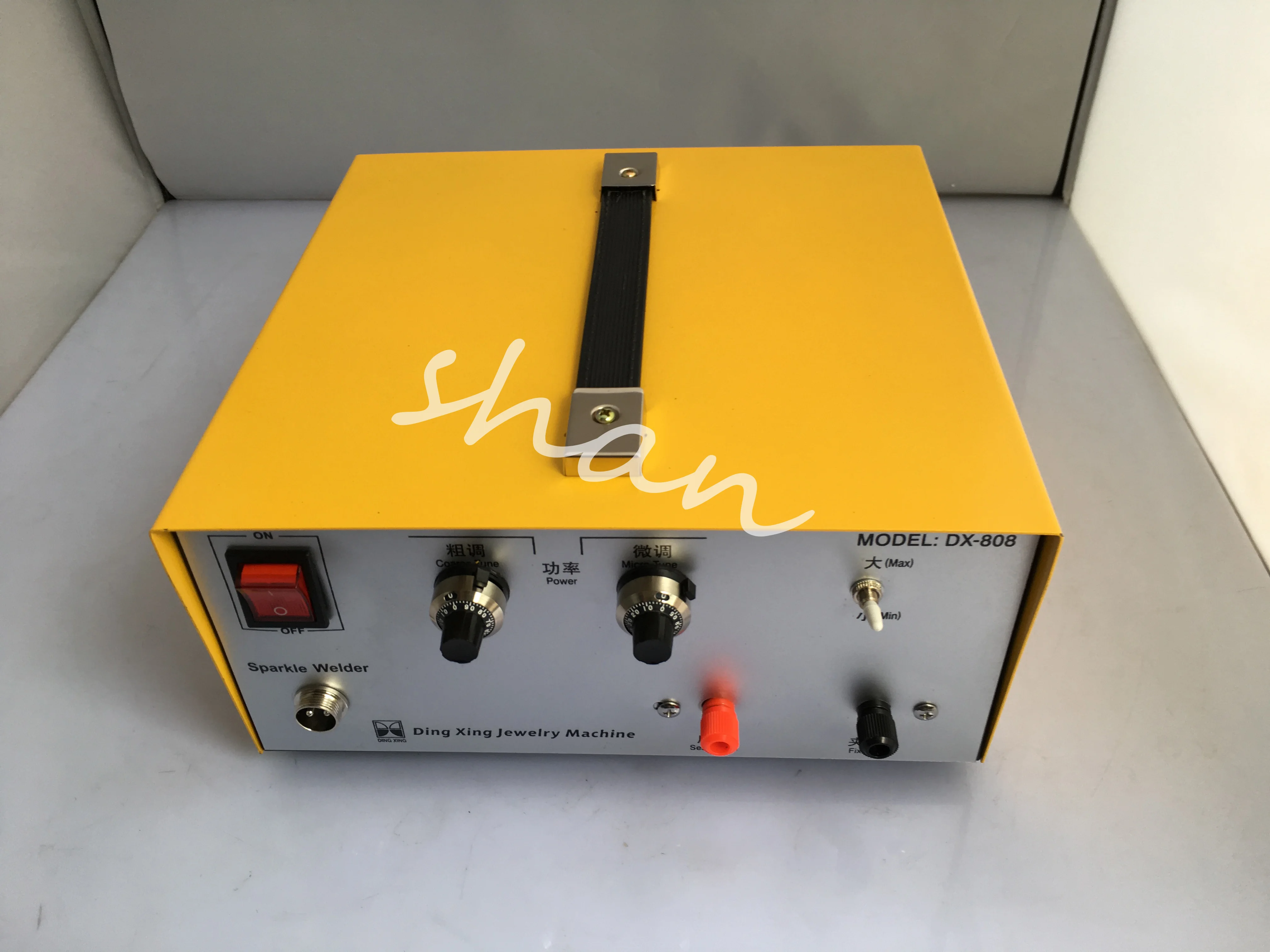
Bifrc DH20 Pro Handheld DIY Spot Welder Mini Welding Machine With Quick Release Pen 18650 Battery Nickel Plate | Инструменты
US $39.90


Новое поступление
Характеристики
*Текущая стоимость 4 701,83 - 7 042,76 уже могла изменится. Что бы узнать актуальную цену и проверить наличие товара, нажмите "Добавить в корзину"
| Месяц | Минимальная цена | Макс. стоимость | Цена |
|---|---|---|---|
| Feb-20-2026 | 5970.70 руб. | 6089.69 руб. | 6029.5 руб. |
| Jan-20-2026 | 4842.97 руб. | 4939.19 руб. | 4890.5 руб. |
| Dec-20-2025 | 5876.21 руб. | 5994.2 руб. | 5935 руб. |
| Nov-20-2025 | 5829.38 руб. | 5946.77 руб. | 5887.5 руб. |
| Oct-20-2025 | 4654.10 руб. | 4747.41 руб. | 4700.5 руб. |
| Sep-20-2025 | 5735.71 руб. | 5850.76 руб. | 5792.5 руб. |
| Aug-20-2025 | 5688.53 руб. | 5802.33 руб. | 5745 руб. |
| Jul-20-2025 | 5641.15 руб. | 5754.32 руб. | 5697.5 руб. |
Описание товара
Trademarks Changes
We are running change all silver DH20 and DH30 trademarks. During the switching period, you may receive the MinderRC trademark or Welderkit trademark on the product and packaging. The product functions are exactly the same. If you mind, please place the order carefully.
Features:
OLED Screen,easy to set
U Disk Firmware Upgrade
DH30 Specifications
Material: Metal Case
Screen: OLED
Battery Capacity: 5000mAh
Welding Output: 4.2V MAX 650A
USB Output: 5V MAX 2.4A
Charging Port: Type-C
Power Adapter:Optional
Product Weight: 302g
Product Size: 103x83x29mm
U DIsk Firmware Upgrade
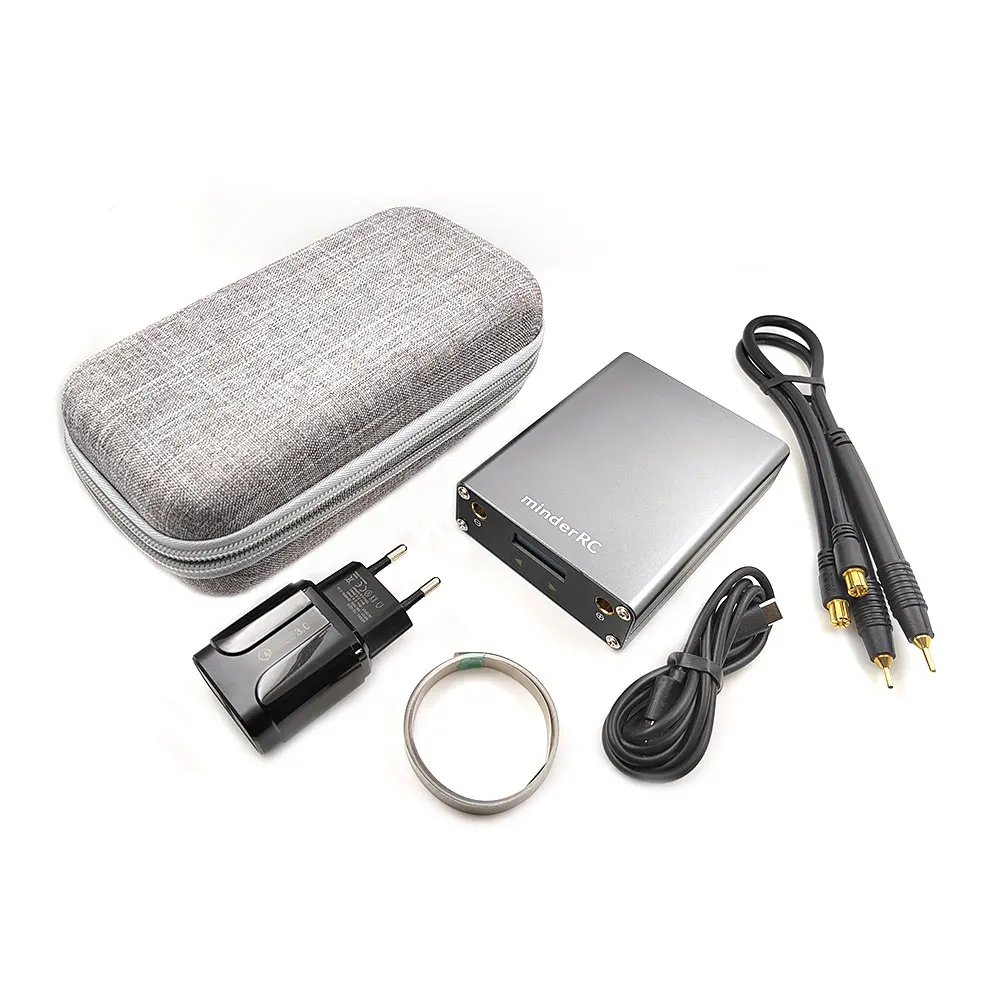
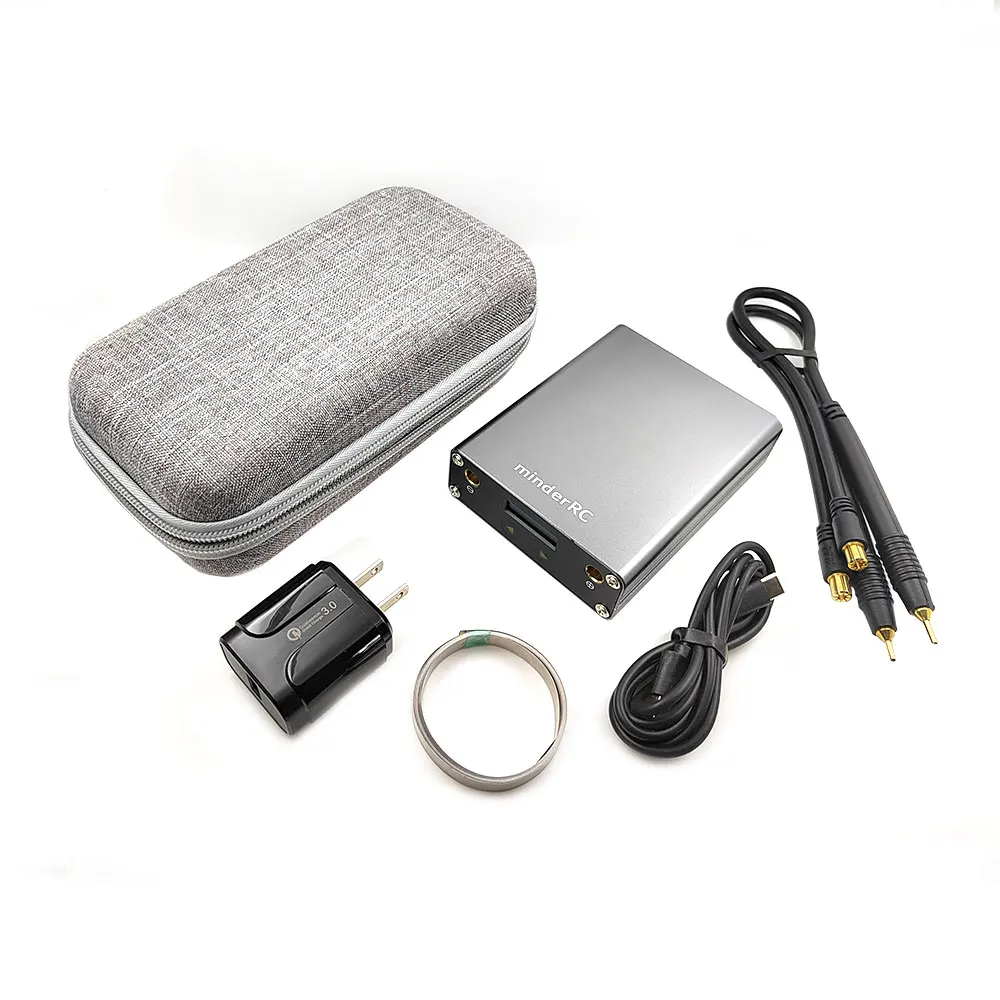
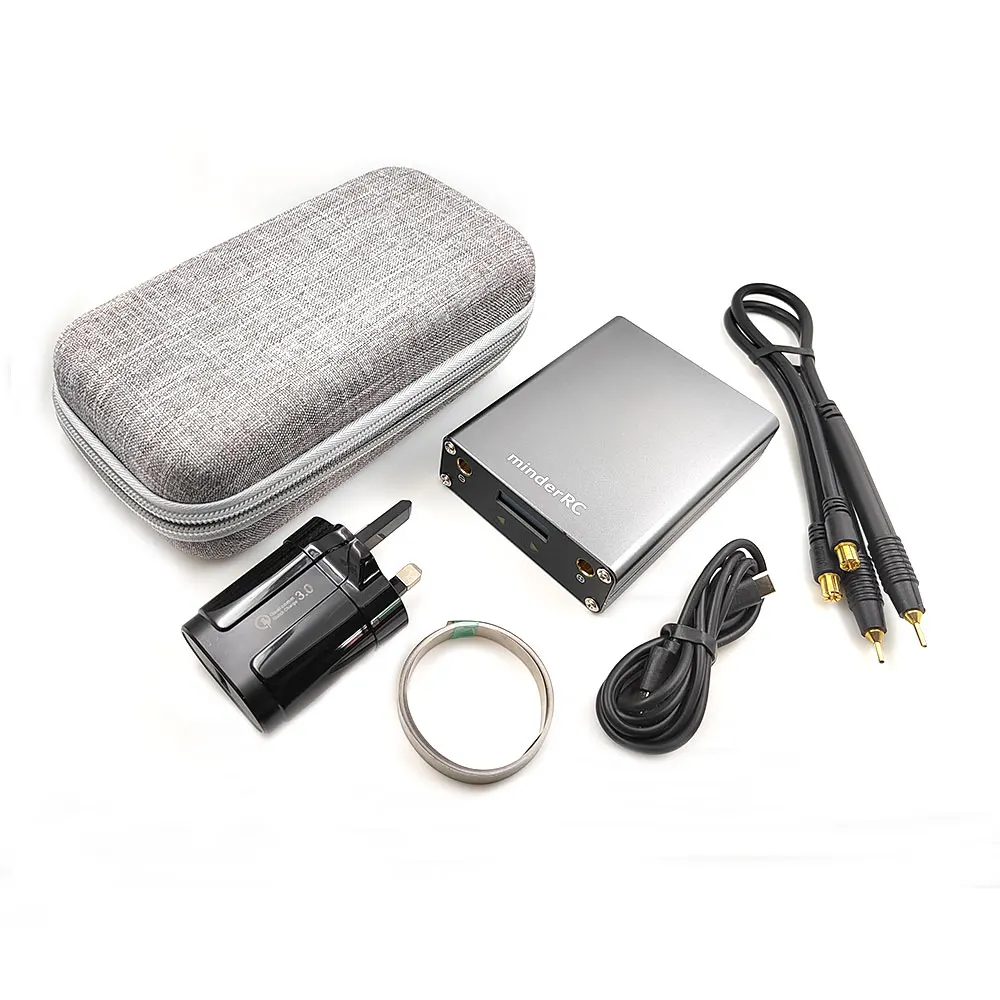
Packaging Include
1 x Mini Spot Welder
1 x Welding Pen
1 x 0.12mm*8mm*2m Nickel Plated Steel Belt
1 x User Manual
1 x EU/US/UK Power Adapter
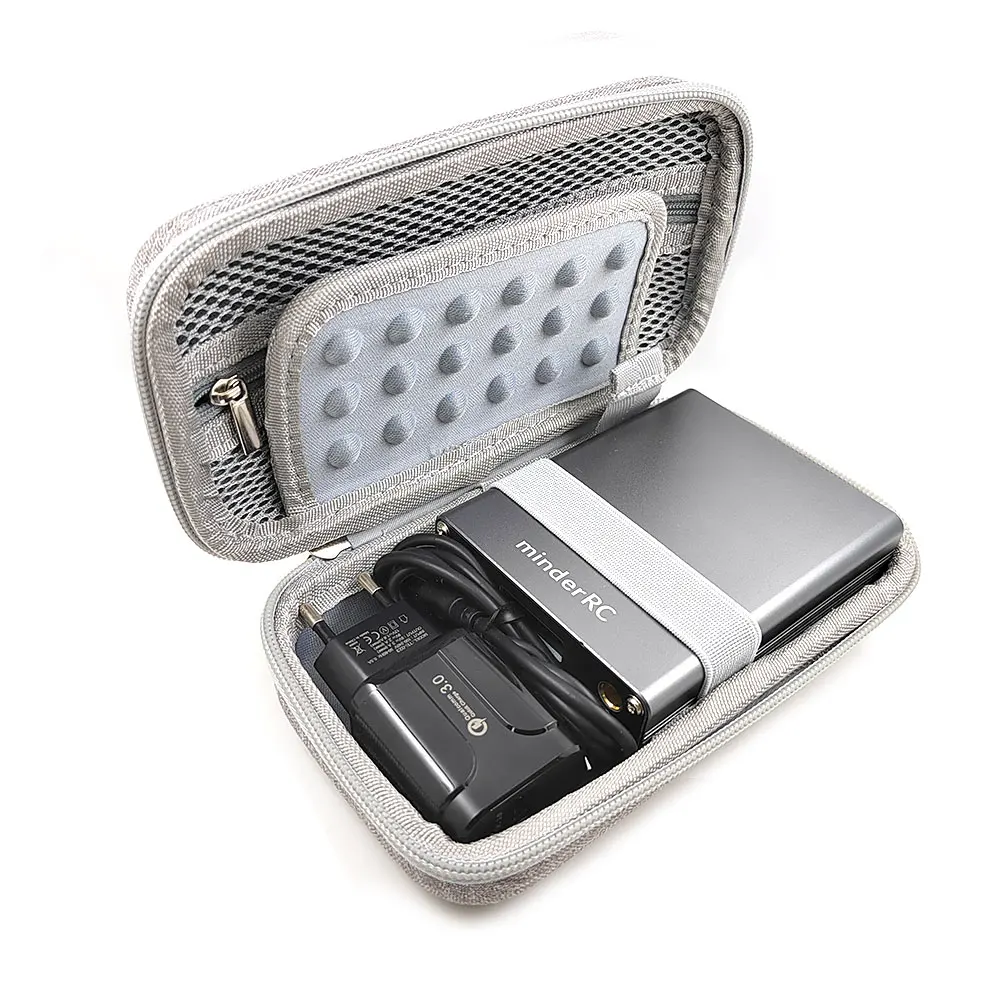
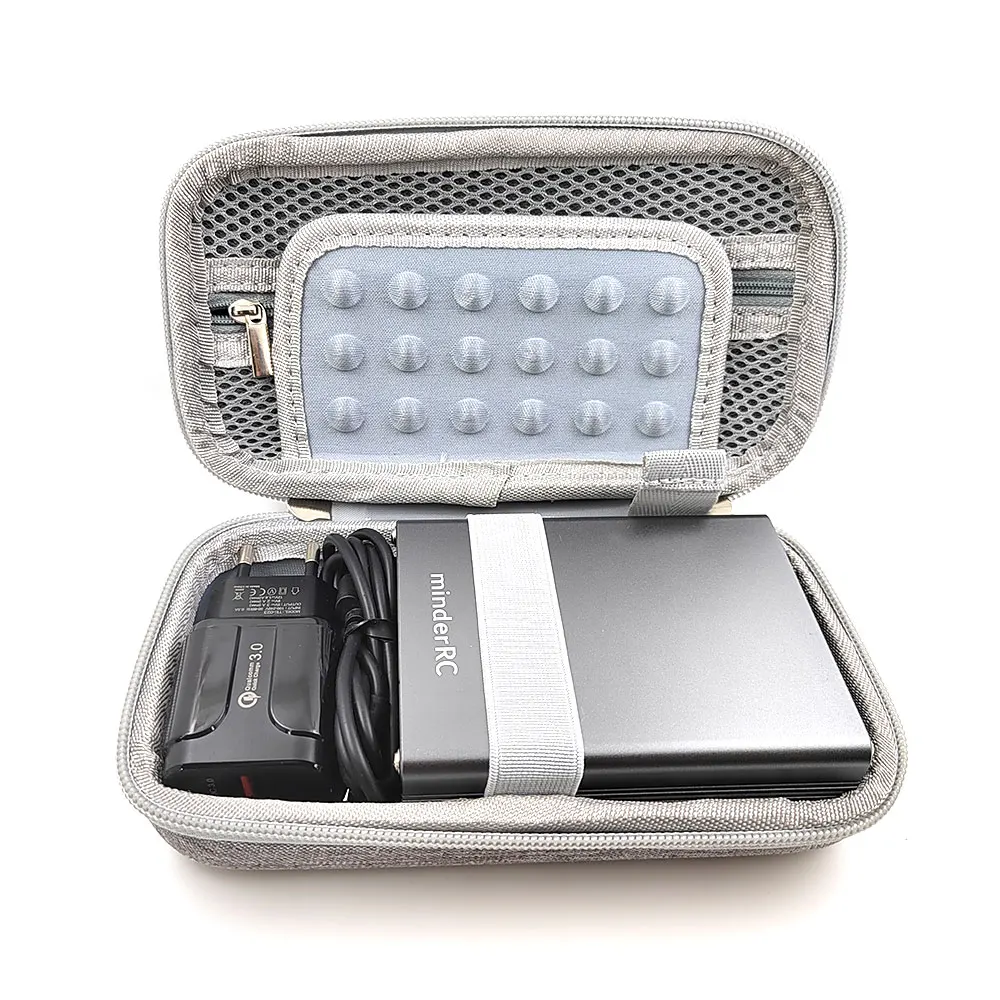
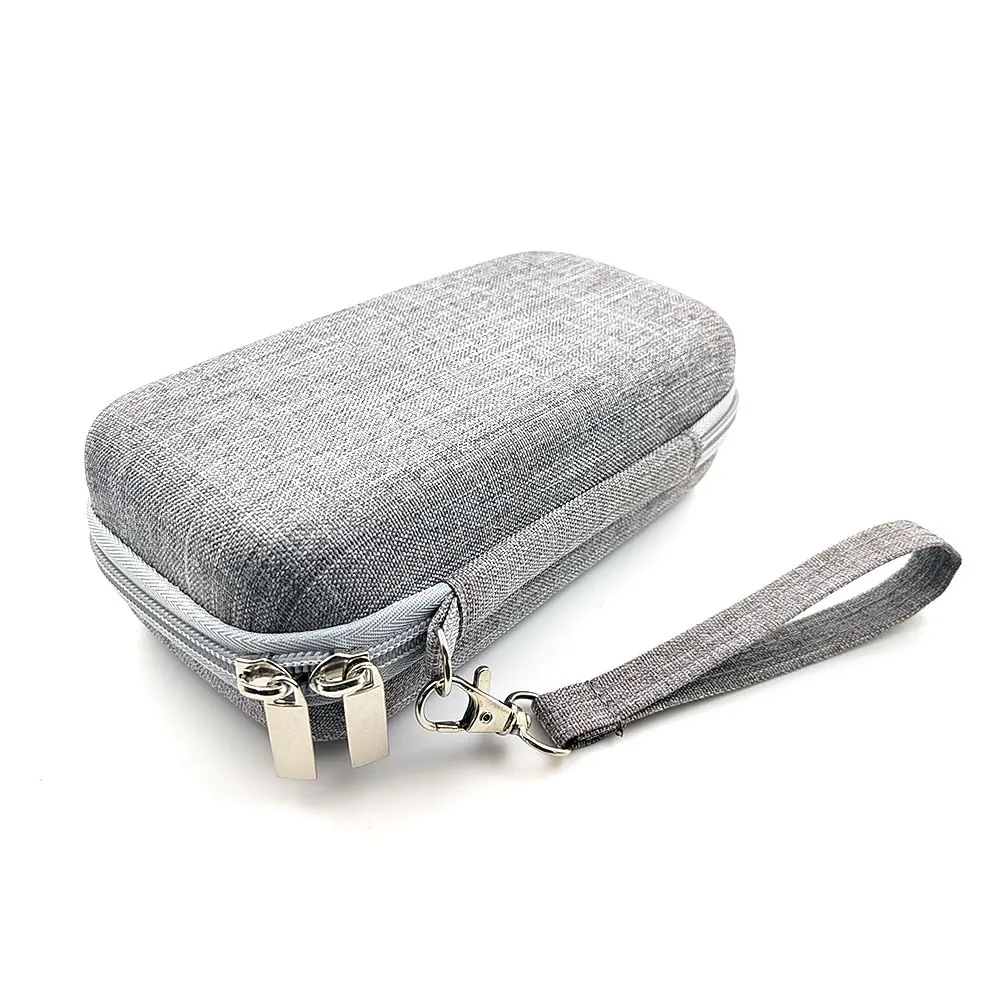
1 x Storage Bag
Spot Welding Power Setting:
Full charging before using
Start with the first gear and increase the power slowly until it can be welded. Do not increase the power if it can be welded. Avoid MOS bombs. The black solder joints indicate that the power is too high.
When welding, press down the soldering pin lightly, and the nickel sheet and the battery can be bonded together. The harder you press, the less solid the welding will be. It will automatically trigger after pressing down for one second.
USB Output Port Description:
Because the internal circuit of the spot welding machine is different, there may be some compatibility issues with the iphone charging, so the iphone can not be charged temporarily,if you need charger iphone,you can Short-circuit 2 and 3 of the usb output port.
And for android cellphone,mobile phone charging protocols are different, and currently cannot all support fast charging protocols.
How to Firmare Update:
Please download the newest firmware in this link.
Before update the newest firmware, please power off the spot welder first
1. Power off the spot welder,then long click the "Power On" button,not release,hold,then spot welder screen will show "firmware upgrade" informations ;
2. Still hold, then connect the data wire to computer,spot welder screen will show "Firmware to U disk", your computer will show a USB disk,then release the "Power on" button;
3. Unzip the downloaded compressed file to get the firmware ending in .bin
4. Copy the .bin new firmware to U disk,when finish,disconnect data wire,power off and power on,Done.
//www.hobbyminder.com/wp-content/uploads/2021/12/OLED_DH30_V2.81.zip
Смотрите так же другие товары: