*Текущая стоимость 54810 уже могла изменится. Что бы узнать актуальную цену и проверить наличие товара, нажмите "Добавить в корзину"
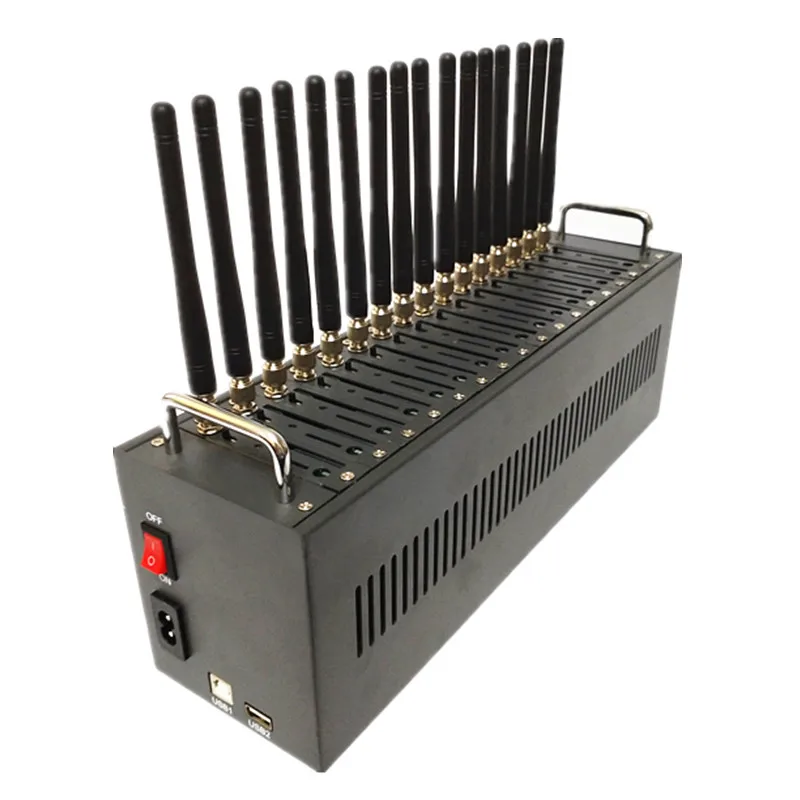
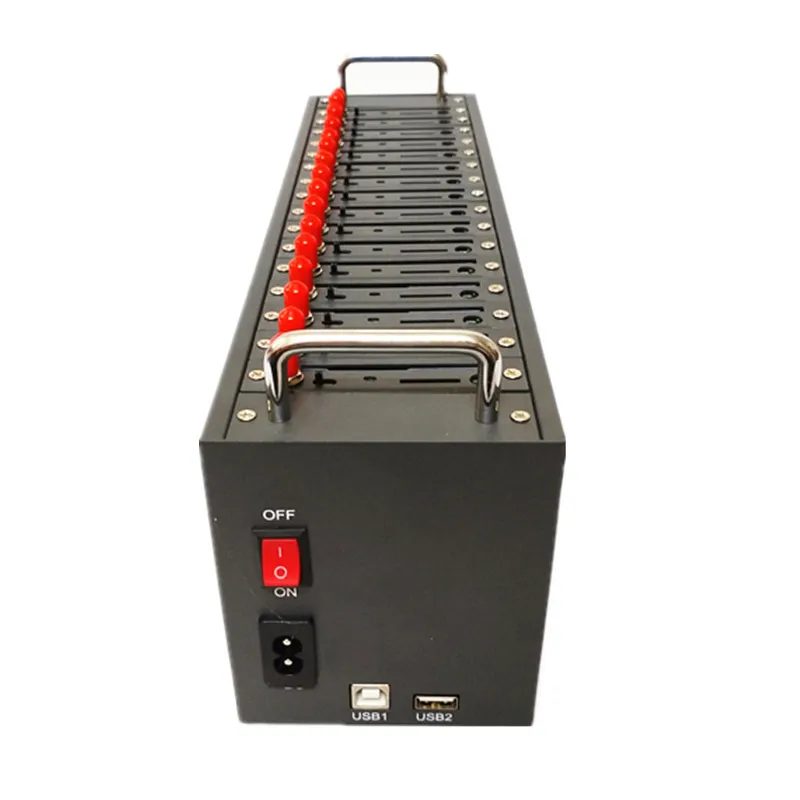
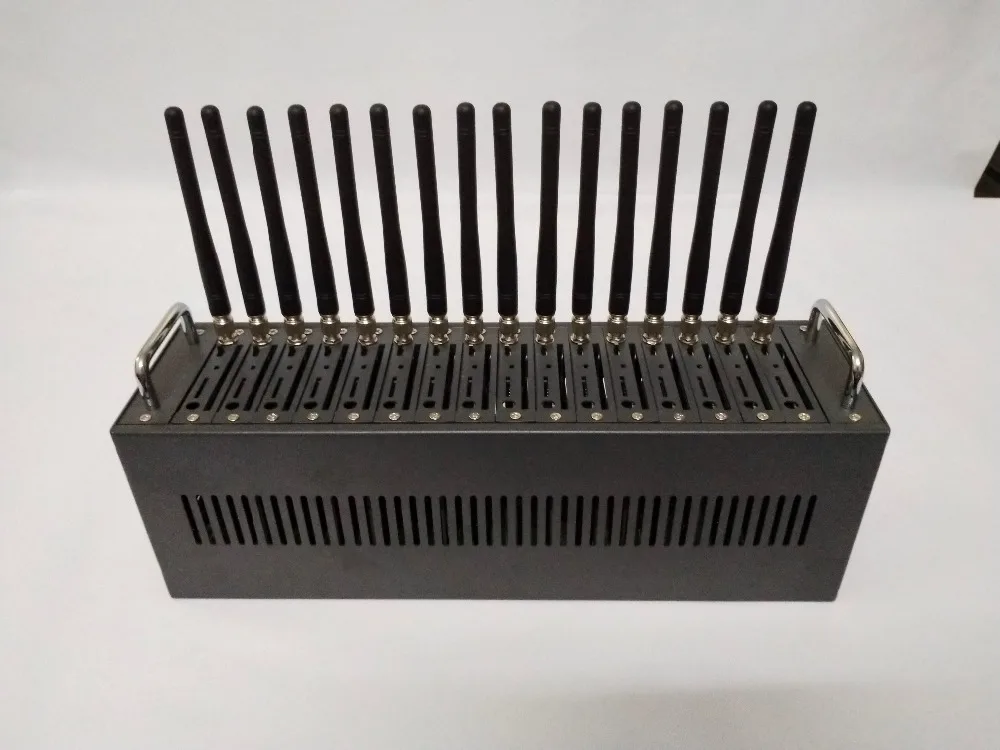
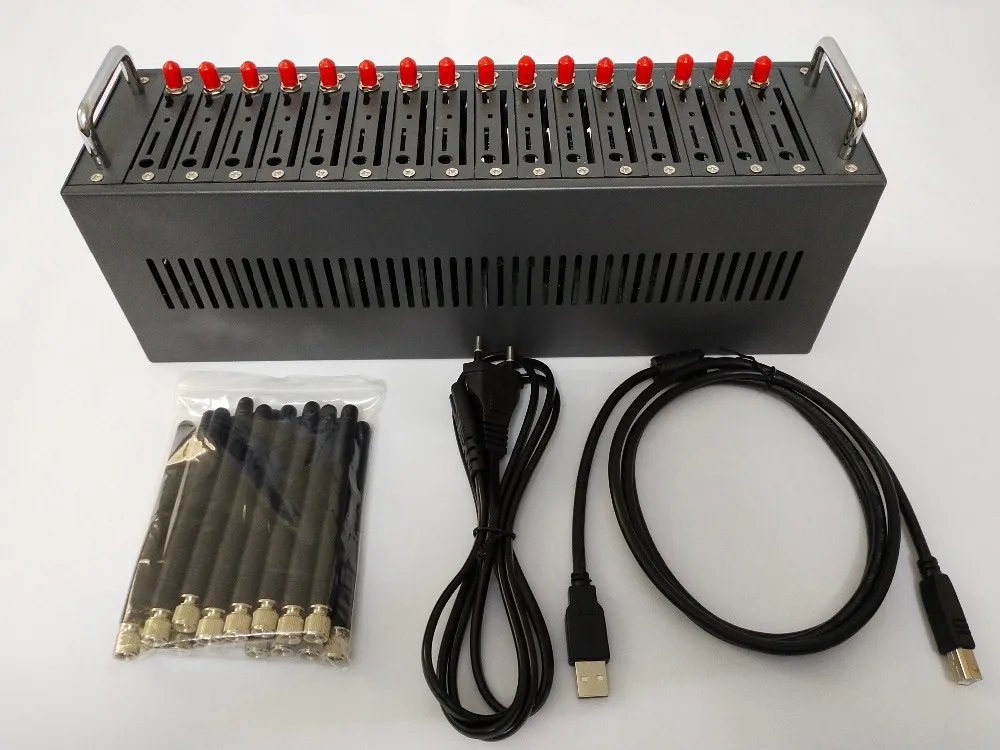
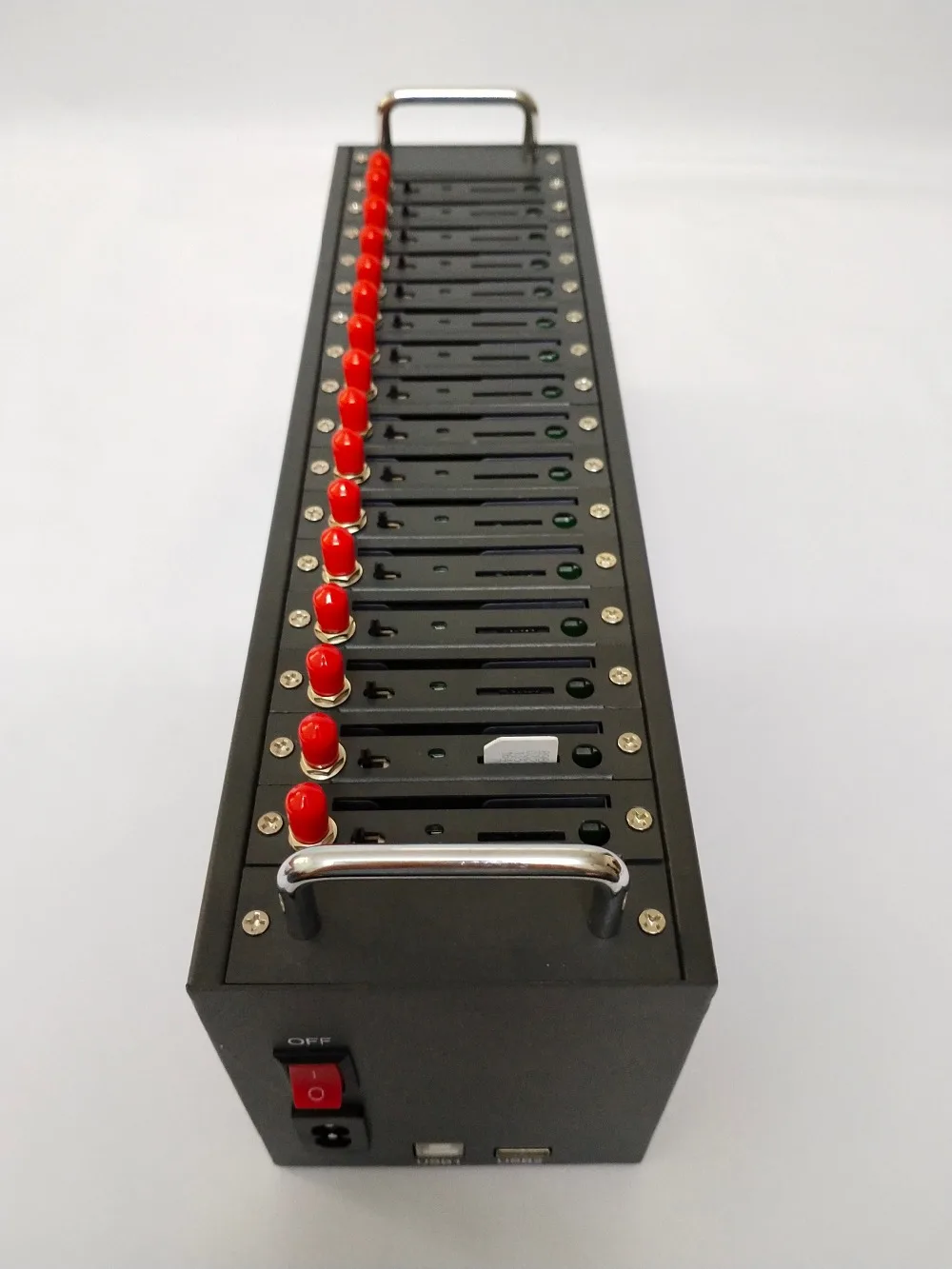
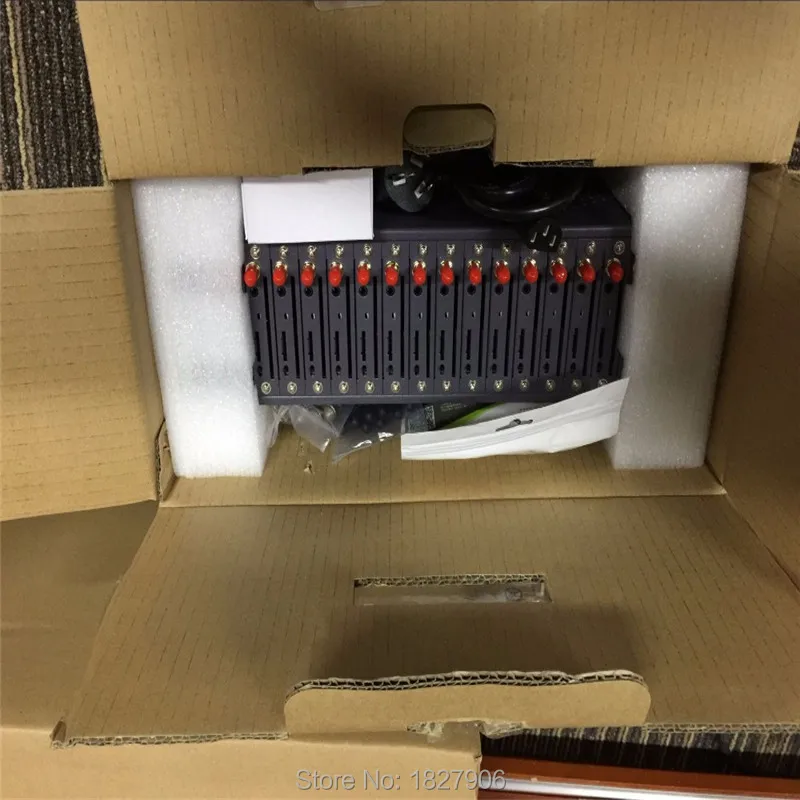
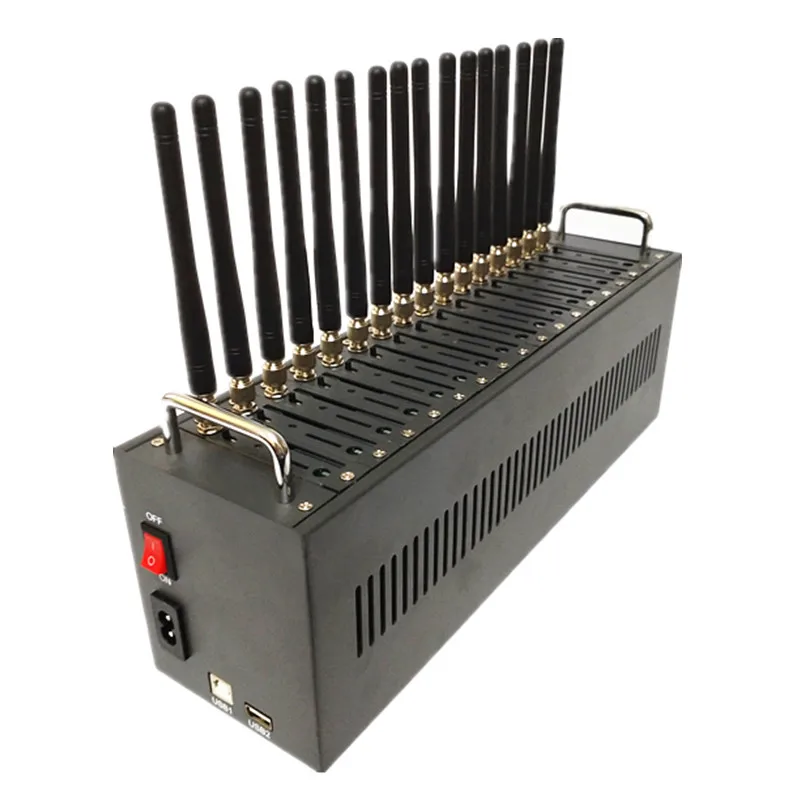
Factory 16 ports SIM7600G module modem pool 4G LTE bulk sms device
GSM MODEM POOL also known as "SMS cat pool" “Bulk sms machine” in China, With the USB 2.0 Cable connect with computer (laptops, desktops), insert both big and small sim cards, open our bulk sms software, then can send and receiving mass messages, Internal adapter assure stable voltage and excellent working environment.Free trial version sms software will be provided,Not license version.
SIM7600G
• FDD-LTE B1/B2/B3/B4/B5/B7/B8/B12/B13/B18/B19/B20/B25/B26/B28/B66• TDD-LTEB34/B38/B39/B40/B41• UMTS/HSDPA/HSPA+ 800/850/900/1700/1900/2100 MHz• GSM/GPRS/EDGE 850/900/1800/1900 MHz• Control Via AT Commands• Supporing region:All over the worldBasic CharacteristicsJust like 16 single-channel equipments work at the same time
Can insert16 sim cards (big or small)
4G LTE Modem supportchange imei by AT command
Connection with the computer through a data line can be integrated with serial 8
Compatible with OS: Linux / XP / Vista / WIN7 / WIN8/WIN10 etc.
How to use
(1) Insert SIM Cards in Modem
(2) Install the USB deriver and SMS Caster (we will send these two free softwares to you via online email)
(3) Following is the steps of sending message via SMS CasterFirstly![]()
1. Install SMS Caster like common software and close it after installing successfully
2.Connect the GSM MODEM to computer correctly, and then there will be a prompt from computer to install driver.
3. Select the driver path for every port, it will install automatically.
4. After completing the driver installation, starting SMSCaster program, all ports will be found.
Secondly![]() Open the smscaster, click the Phone, then update all, then you can check how many ports can work.
Open the smscaster, click the Phone, then update all, then you can check how many ports can work.
If some ports not shows proper, then you should check the simcards or change another simcards.
When you change simcards, you should shutdown the module, when insert simcards, then start it.Thirdly![]() Compose for sending sms ,you can input receiver number in To Numbers if you just want to send few numbers, then input the content, when you finish, then press Send to Outbox, the sms will be sent to Outbox, press the Outbox ,then you can see the detail sms list, then press the Send.
Compose for sending sms ,you can input receiver number in To Numbers if you just want to send few numbers, then input the content, when you finish, then press Send to Outbox, the sms will be sent to Outbox, press the Outbox ,then you can see the detail sms list, then press the Send.
They will be sent out (you should firstly choose the ports which you want to send sms ).![]()
![]()
![]()
![]()
![]() Packing List:(1) SMS Modem Pool x 1
Packing List:(1) SMS Modem Pool x 1
(2) USB Cable x 1
(3) Power Supply Adapter x 1
(4) Antennas x 16 FAQ
Q.1: How to change IMEI?
(1) Open Putty
(2) Click " Serial"
(3) Input the com port in "Serial line" such as COM 1
(4) PUT IN "at&f"
(5) Put in "at+cgsn"//check IMEI
(6) at+egmr=1,7,"IMEI number" change imei, for example : AT+EGMR=1,7,"453243242432134"
if you put in imei is wrong ,it will reset or keep old IMEI
(7) put in "at+cgsn"//check new IMEI
Q.2: How to make call?
(1) Open Putty
(2) Click " Serial"
(3) Input the com port in "Serial line" such as COM 1
(4) PUT IN "at&f"
(5) Put in "ate1"
(6) Put in "atd number;" for example: atd 0976006161;
(7) Put in"ATH" hung off call
Q.3: How many kinds of modem for 2G GSM, 3G and 4G module?
M26/M35 for 2G GSM, UG96/UC20/UC15/SIM5320/SIM5360 for 3G, EC20/EC25/SIM7600 for 4G
Q.4: How is the sending speed of 2G, 3G and 4G modem?
2G: 1000 SMS per port per hour.
3G: 2800 SMS per port per hour.
4G: 3000 SMS per port per hour.
Q.5: How about our service?
We have professional engineer to help you about all your tech problems anytime,the satisfaction of our customers is our greatestdesire.
Q.6: What is our main express shipment?
DHL,UPS,FEDEX,TNT,EMS,Aramex(can ship to anywhere all over the world)
Q.7: How long we're warranty ?
1 year.
Q.8: During warranty time,if have problem,how to do?
We'll test by teamview or send back, we'll exchange new in free.
Q.9: How long about our techinical support?
Free in life.